QR codes on photos for services and holiday stays.
Guesthouses put a code by the door that opens the house guide. Tradespeople put one on the van or the invoice that opens a quote form or reviews. Pick a photo that says what you do, and point the code wherever your customers need to go next.
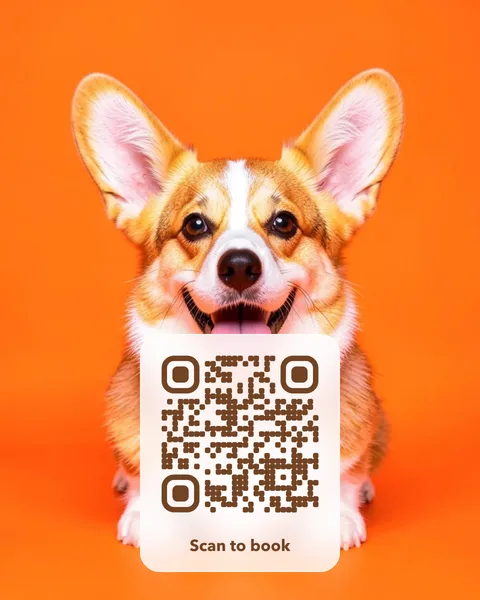
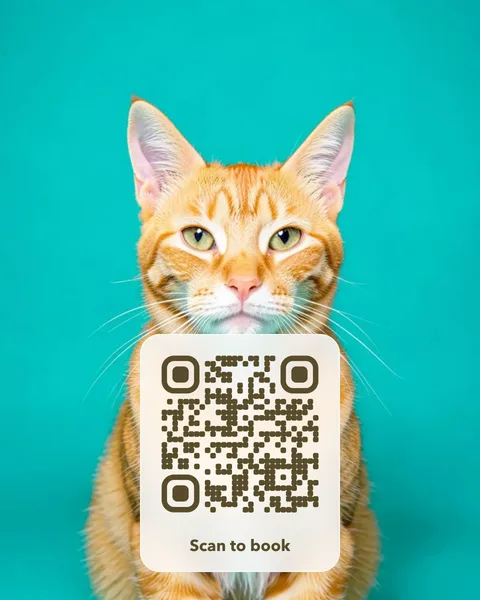
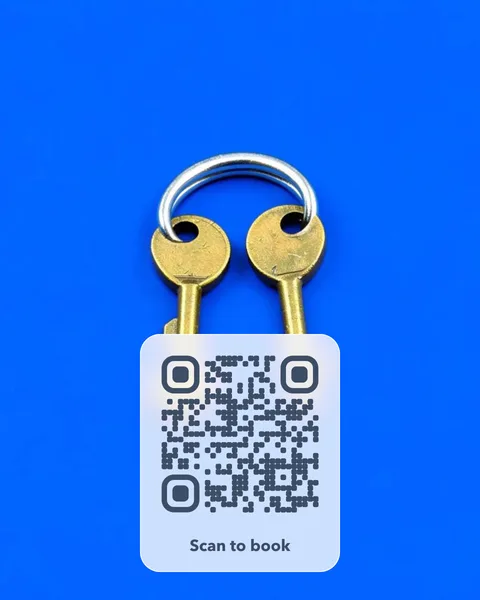
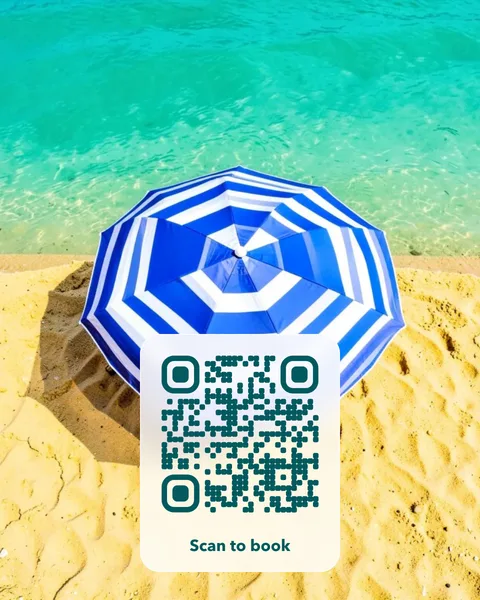
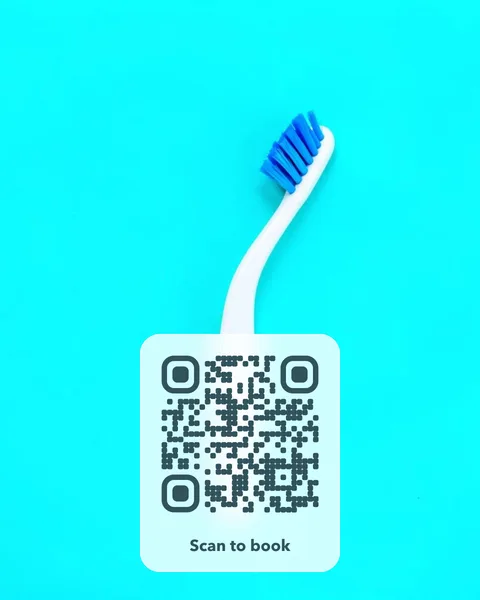
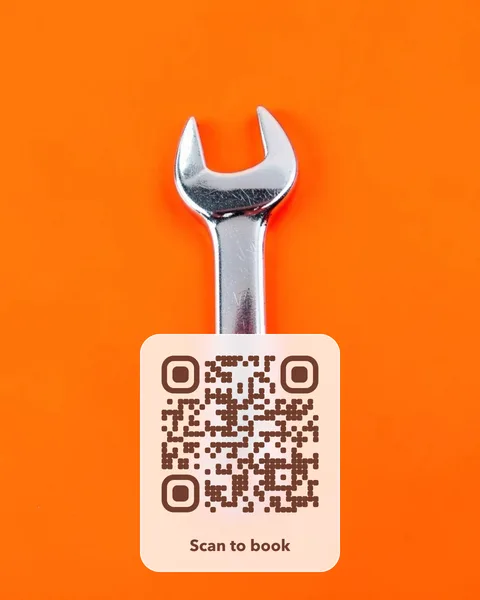
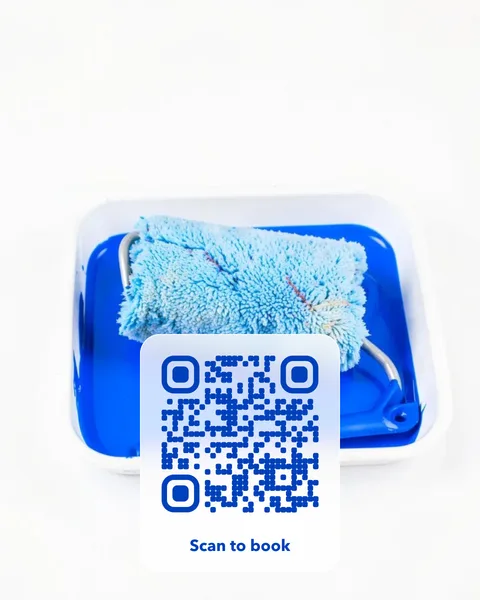
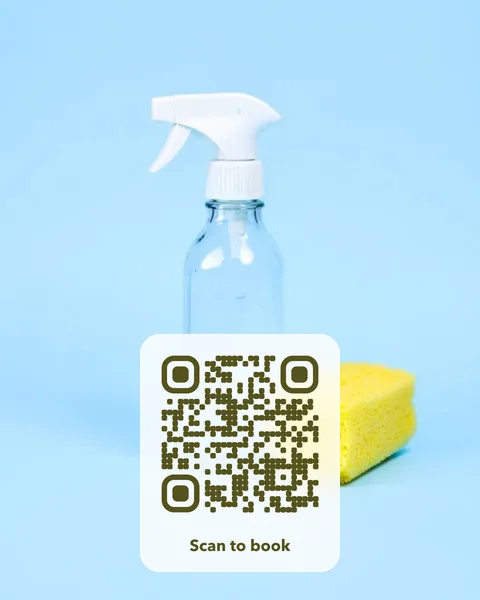
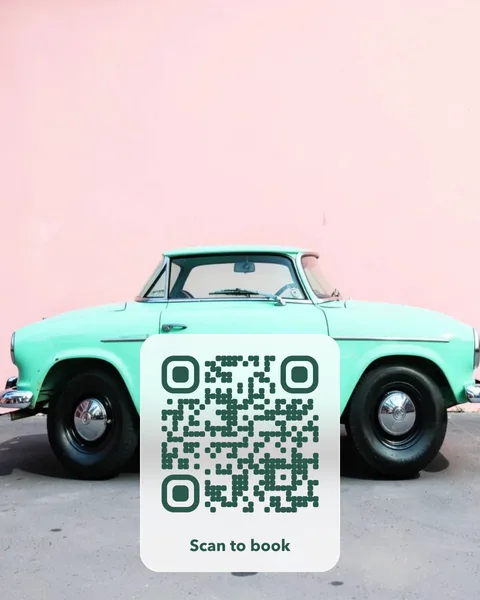
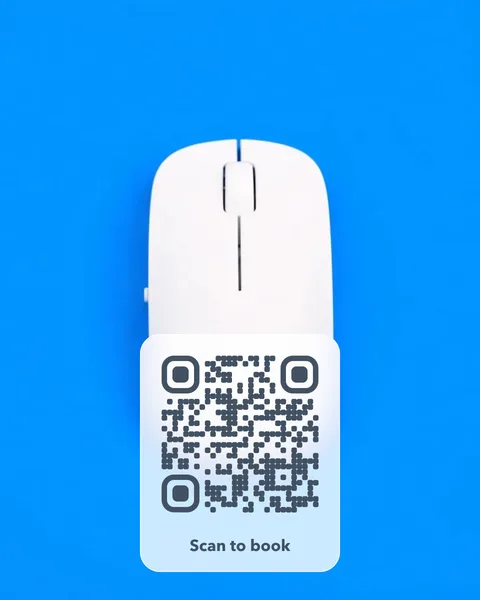
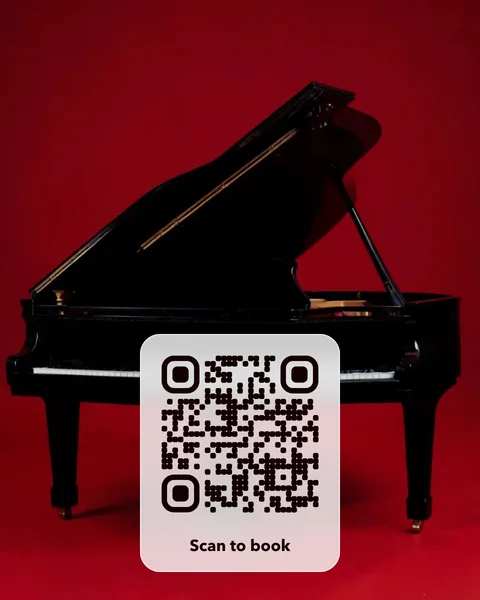
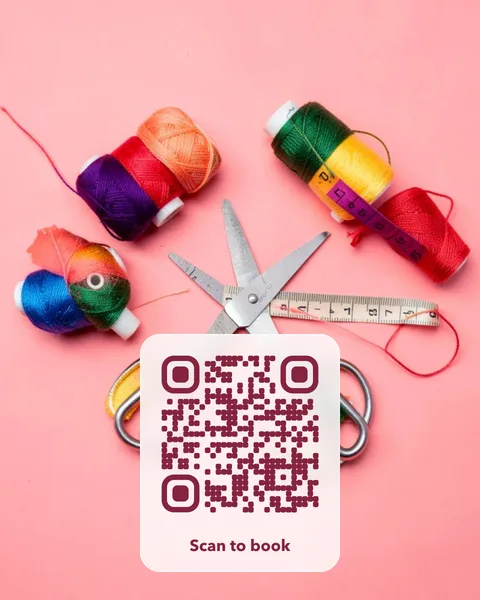
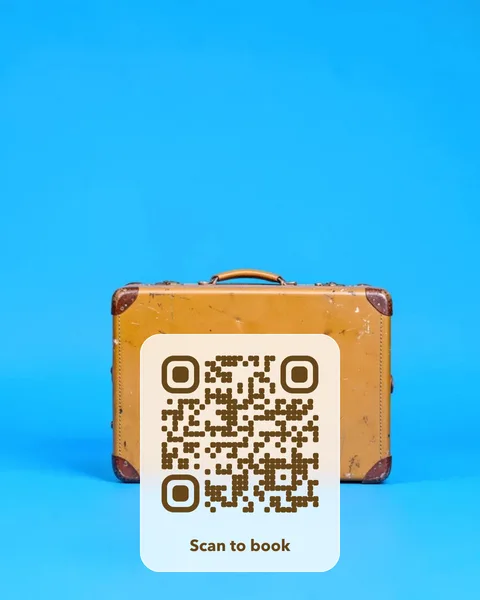
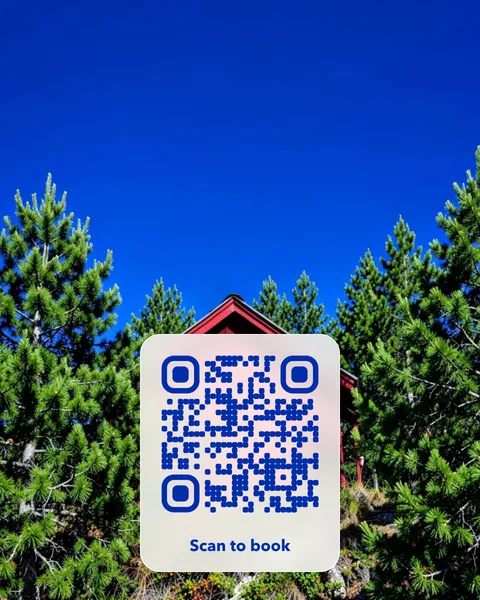
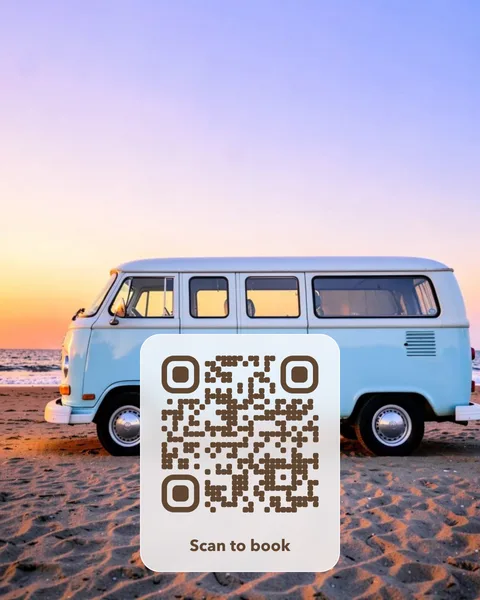
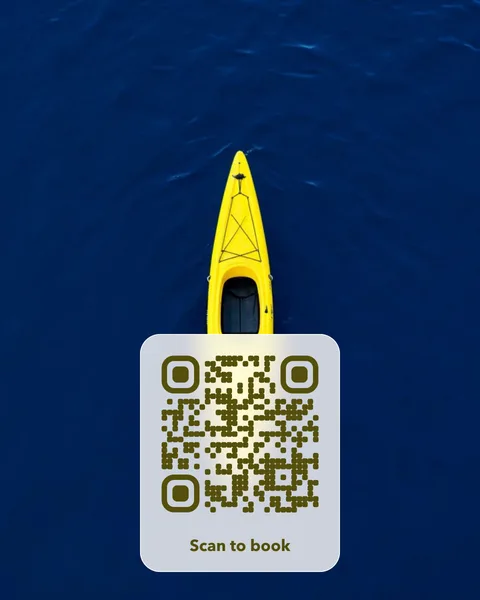
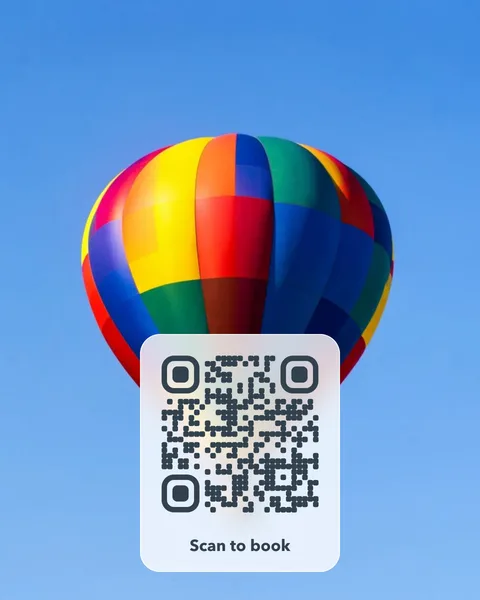
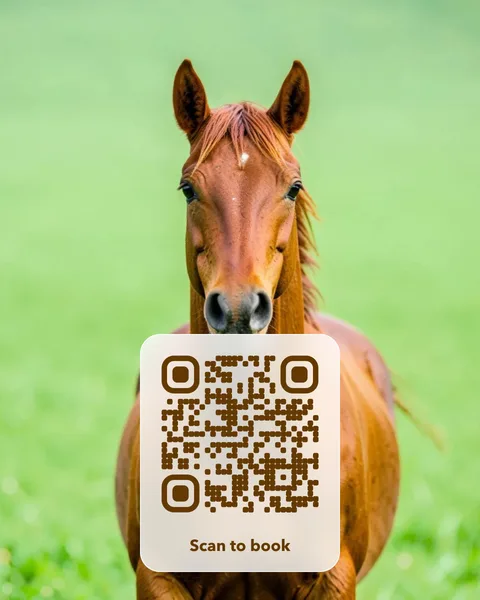
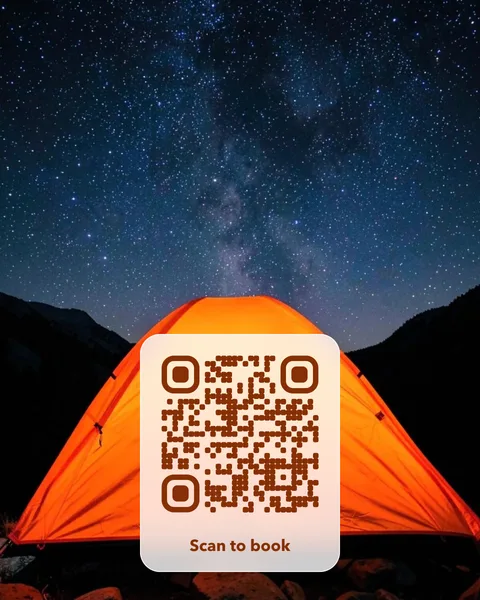
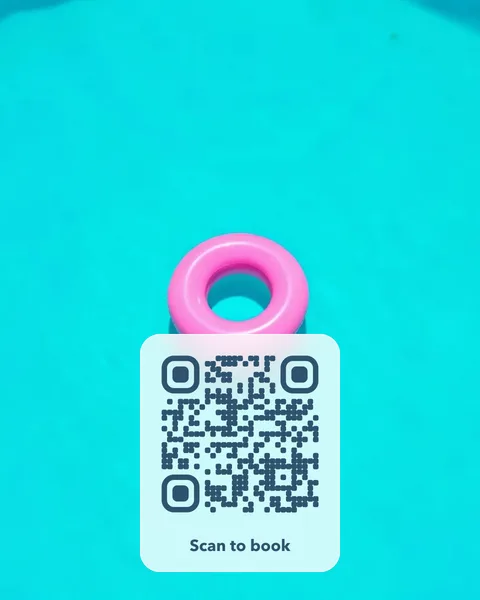
Pick a photo to start
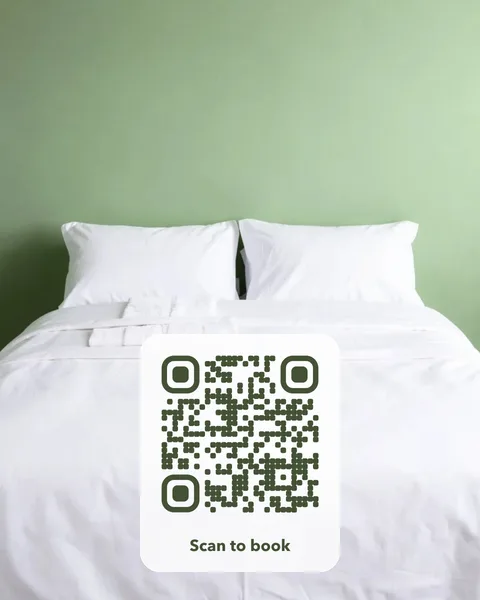
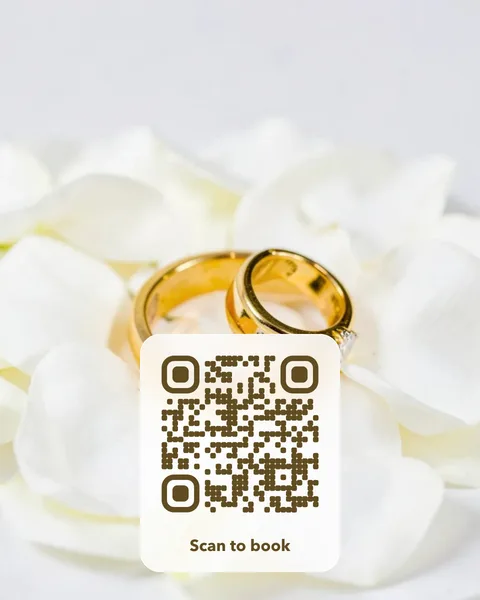
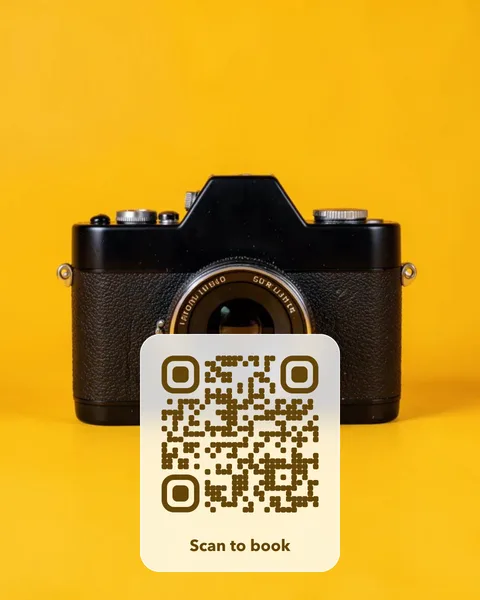
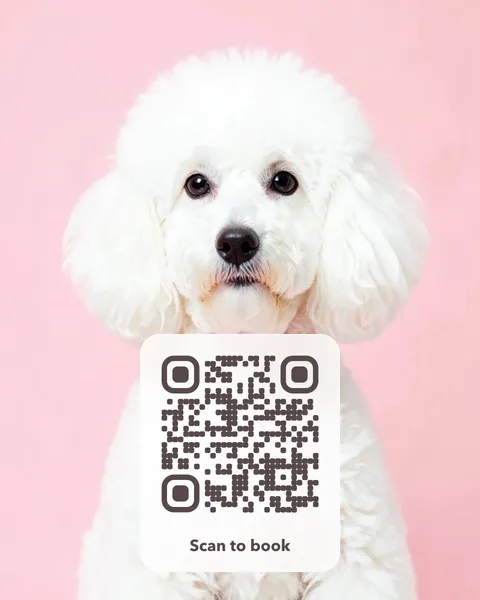
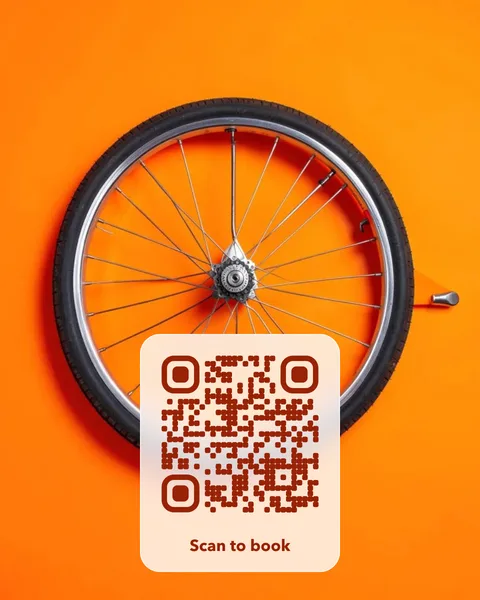
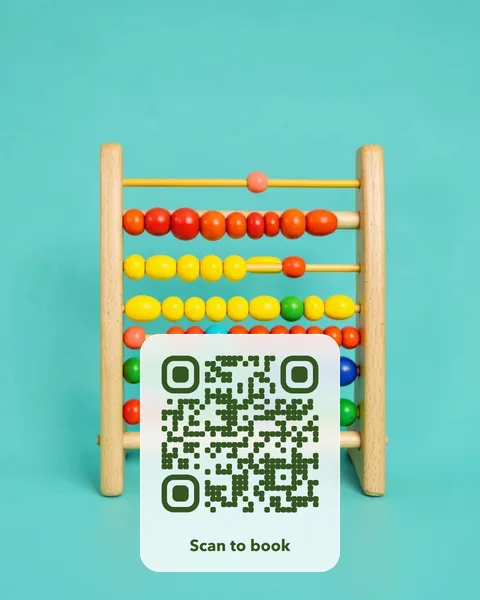
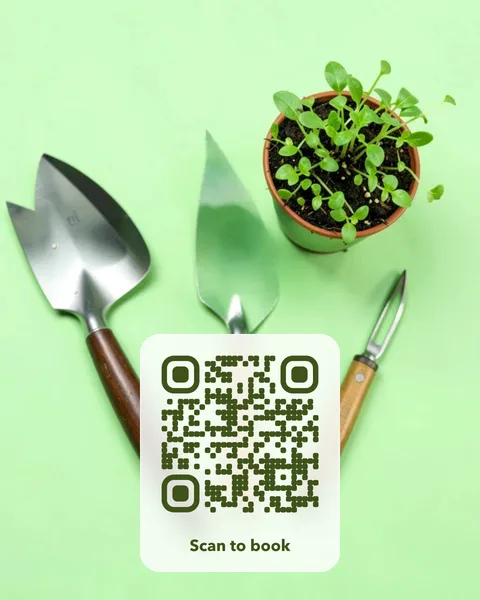
Each card opens in the studio, where you change the words, the style and the link. Every photo is checked to scan before it’s offered.

Where to put it
- A guest card in a holiday let that opens the house guide, Wi-Fi details or check-out notes.
- A sticker on the van or the toolbox that opens your quote form.
- A card left after a job that opens your Google review page.
- A leaflet for a photographer, groomer or tutor that opens the booking calendar.
Pay once. No subscription, no fixed expiry date.
A photo QR card costs $14 once. There is no subscription and no fixed expiry date, so the cards you print keep working. Change the page the code opens whenever you like, from your account. You get print-ready PDFs for an A6 table card and a 70 mm round sticker, plus SVG and PNG files. Like every editable code, the redirect depends on VividQR continuing to operate; the service terms explain this.
Questions
Can I change the link between bookings or seasons?
Yes, as often as you like. Sign in and change the destination; every printed card opens the new page straight away.
Is there a cost per scan?
No. You pay once per code. There is no subscription and no charge per scan, and scans go directly to your page without an advert in between.