Menu QR codes on photos of food and drink.
A table card with a photo of your latte or your pizza gets scanned more than a plain black square. Pick a photo close to what you serve, or upload a photo of your own dish, and the code opens your menu.
Pick a photo to start
Each card opens in the studio, where you change the words, the style and the link. Every photo is checked to scan before it’s offered.
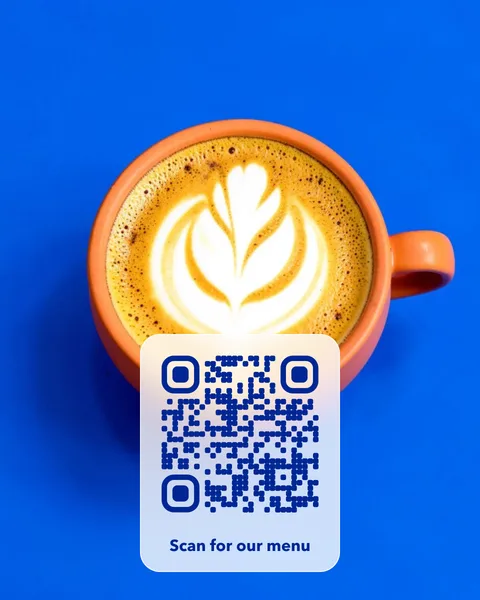 Latte art
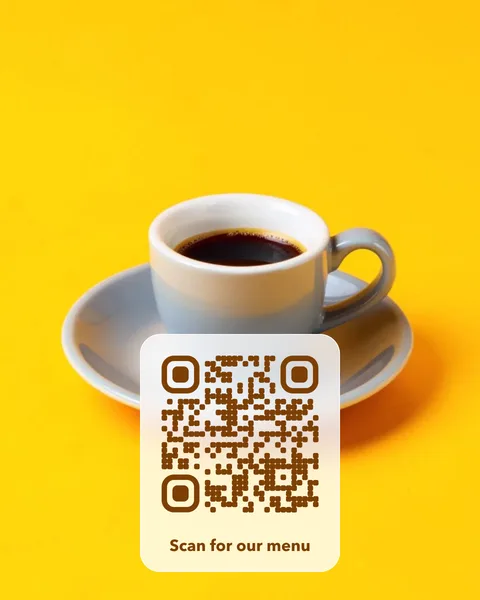 Espresso
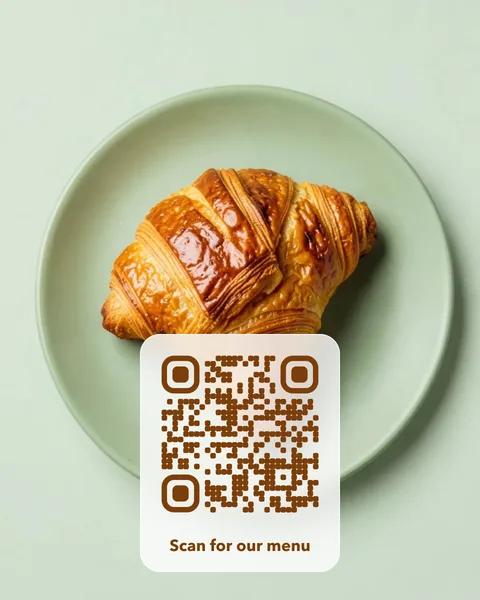 Croissant
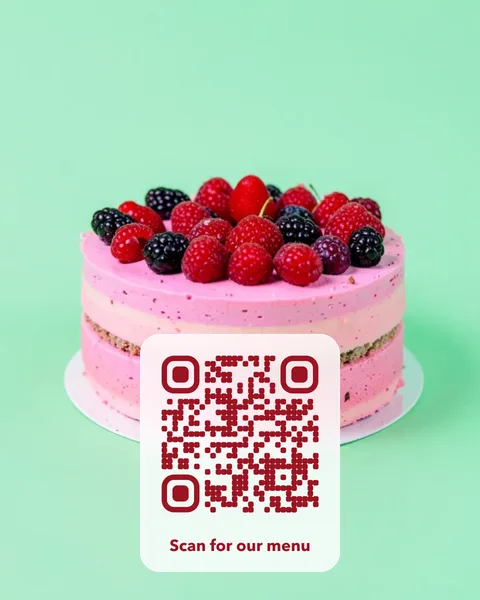 Birthday cake
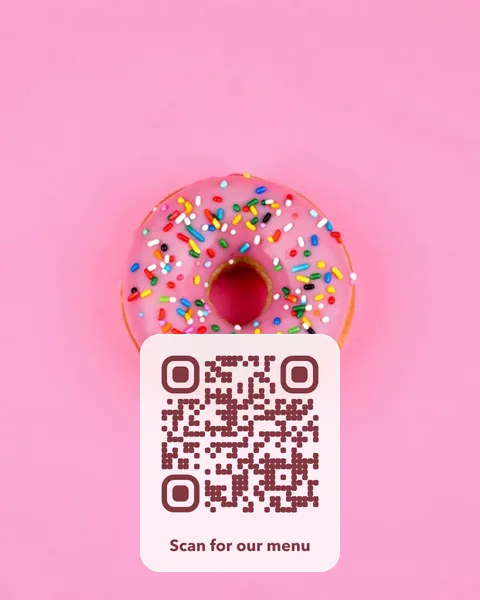 Doughnuts
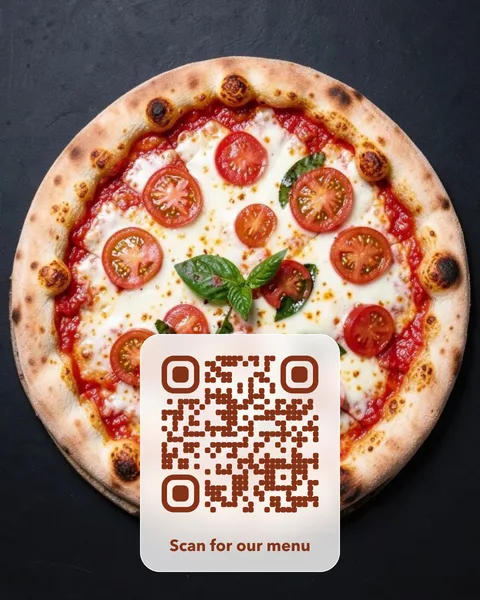 Margherita
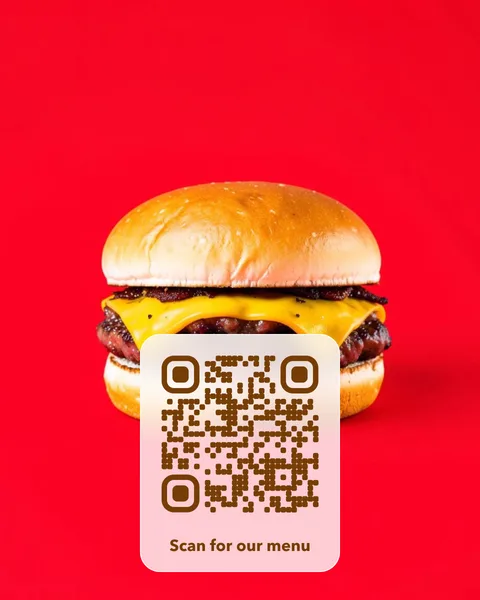 Burger
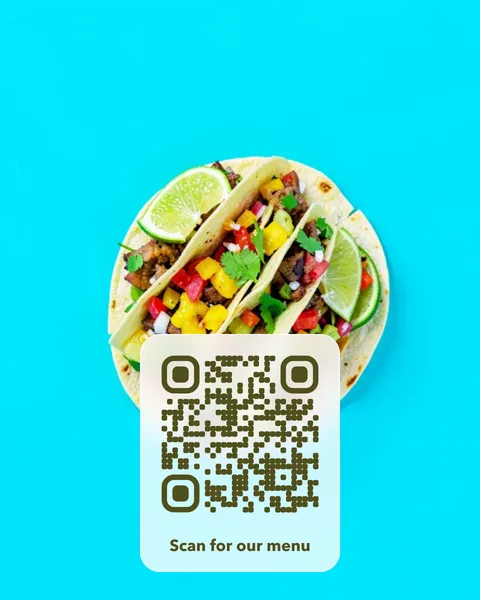 Tacos
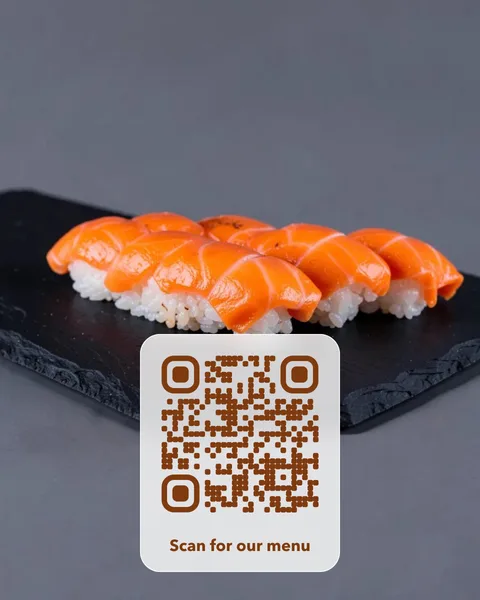 Sushi
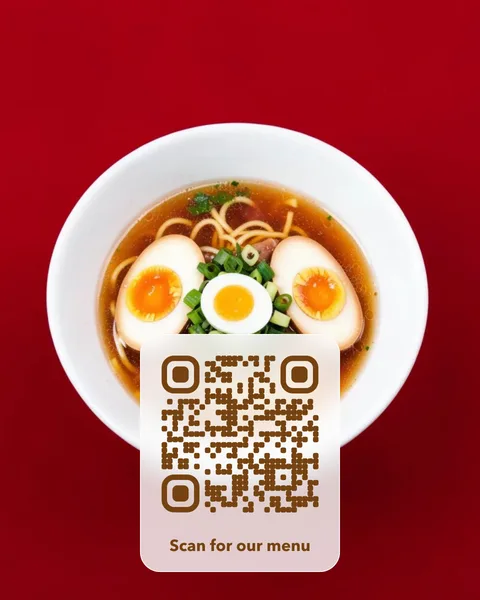 Ramen
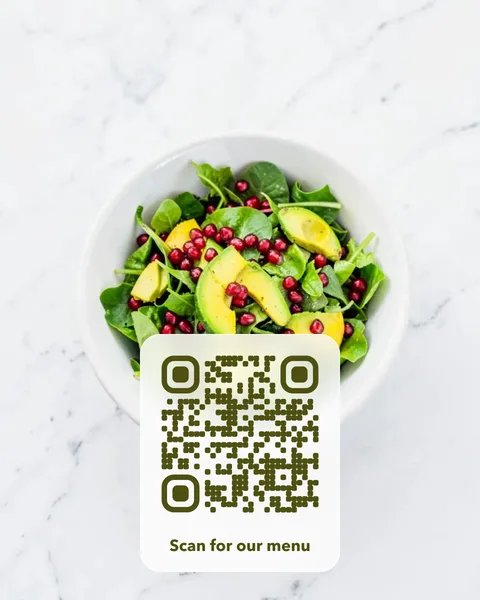 Salad bowl
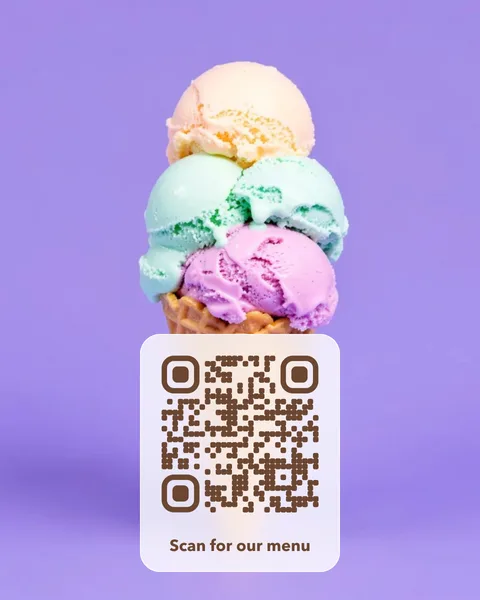 Ice cream
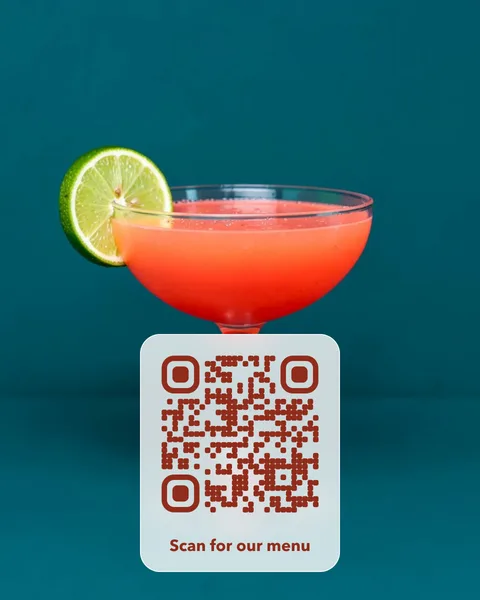 Cocktail
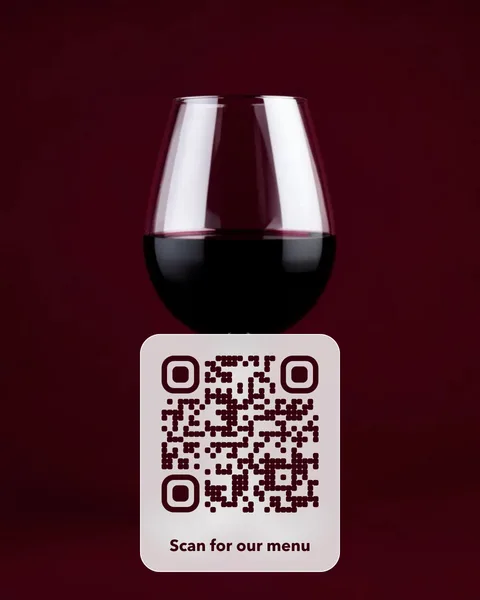 Red wine
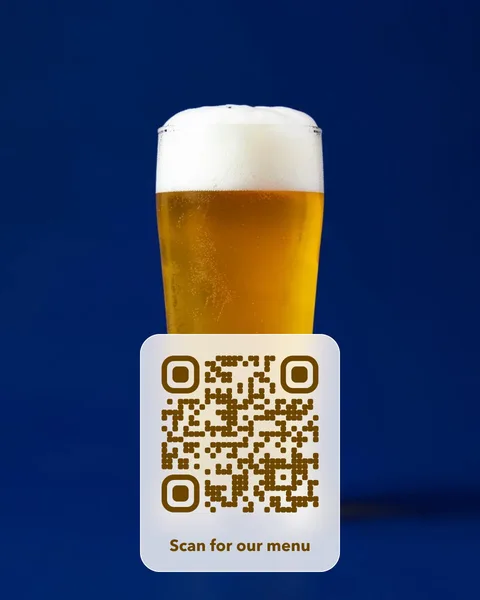 Craft beer
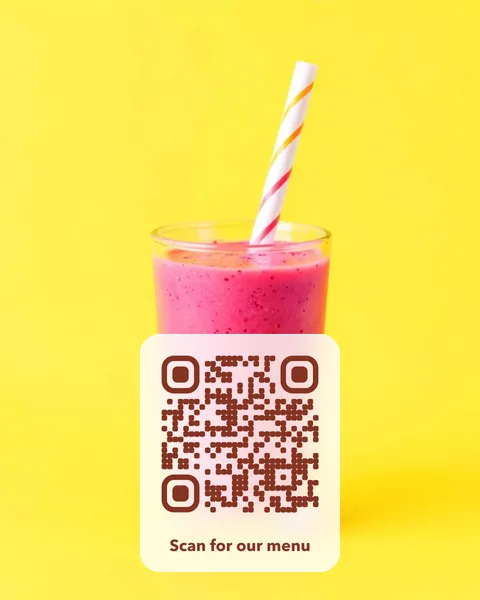 Smoothie
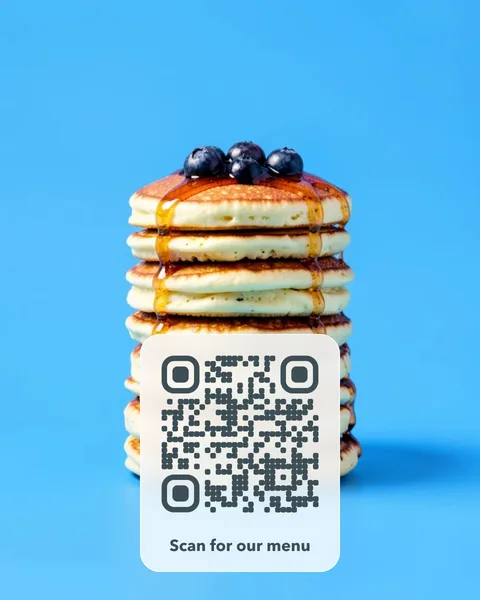 Pancakes
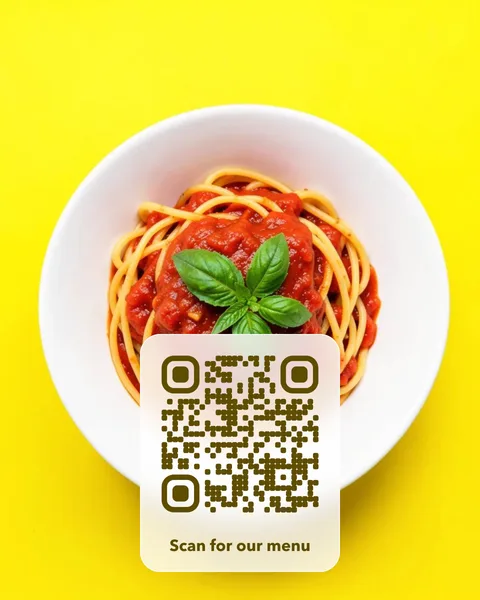 Pasta
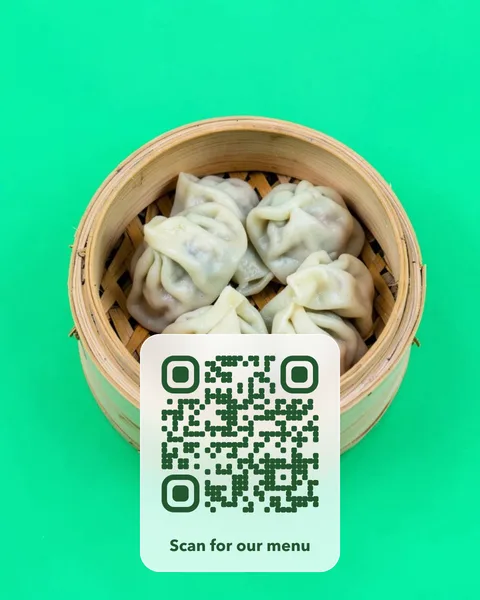 Dumplings
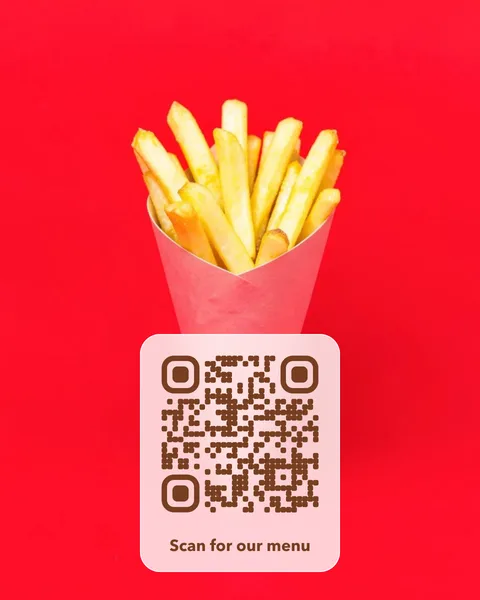 Fries
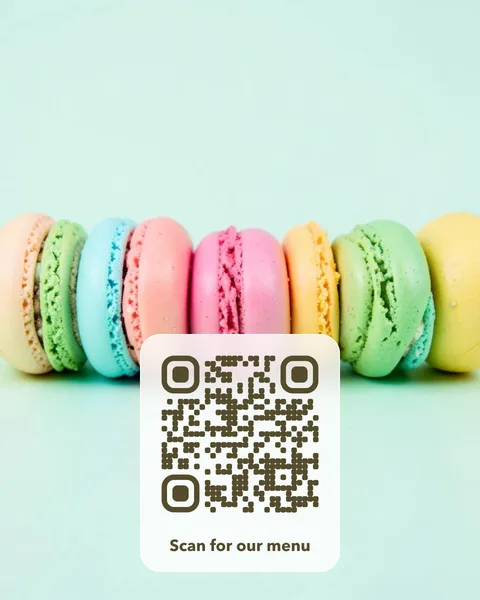 Macarons
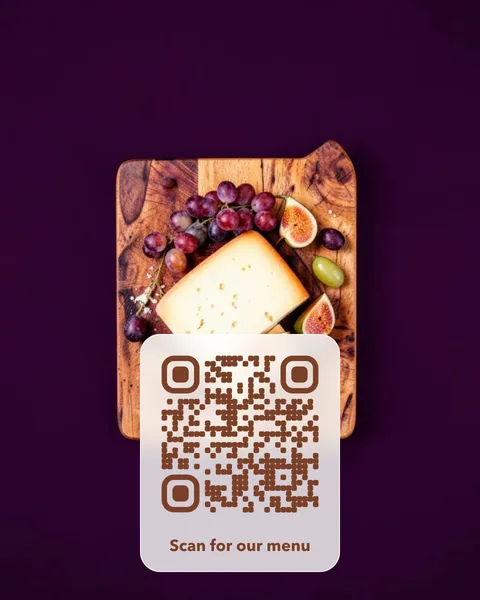 Cheese board
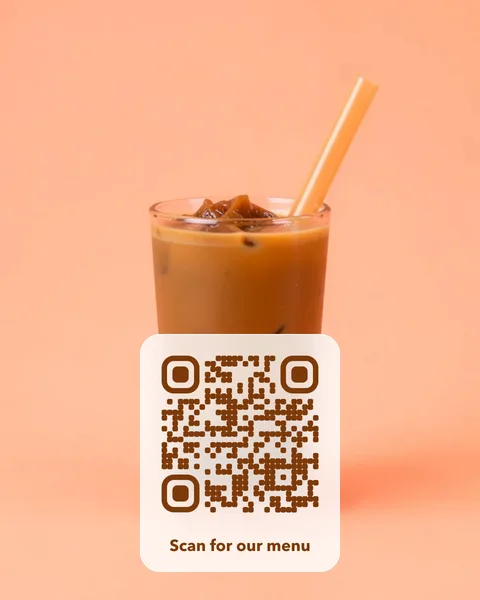 Bubble tea
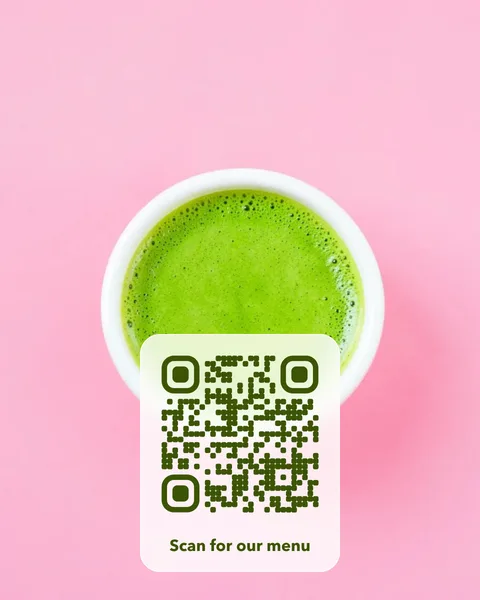 Matcha
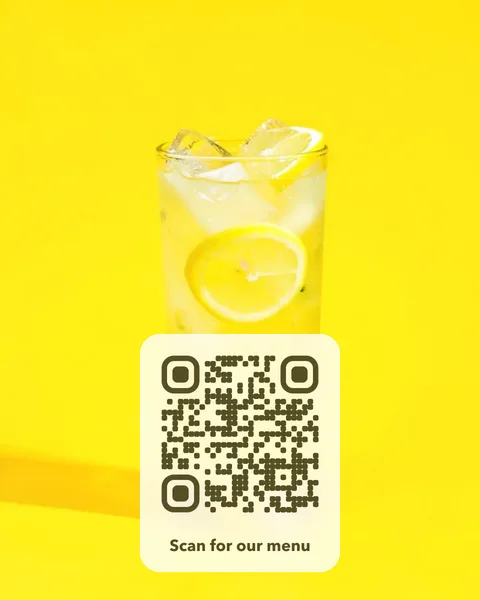 Lemonade
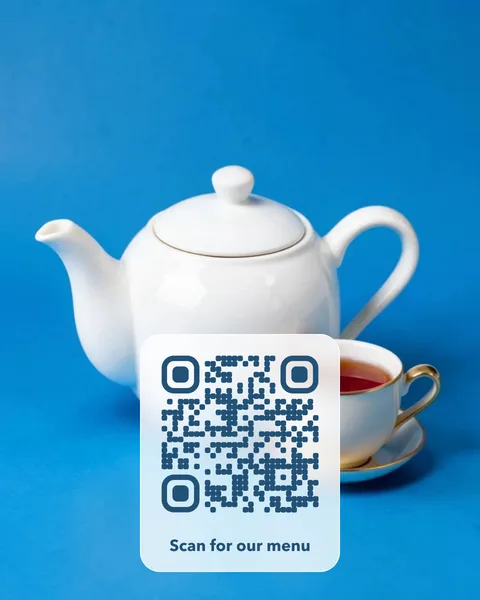 Tea
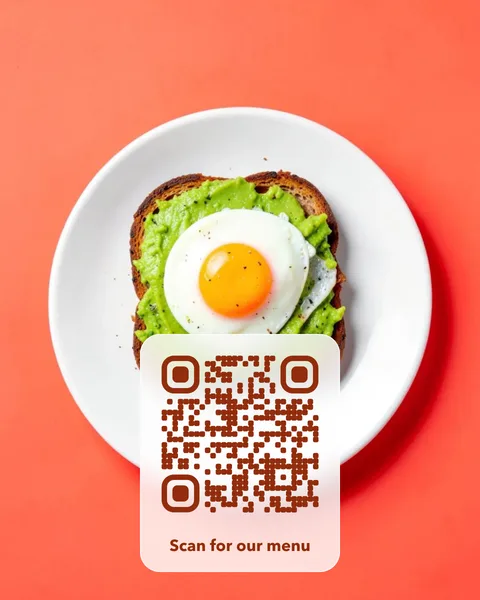 Avocado toast
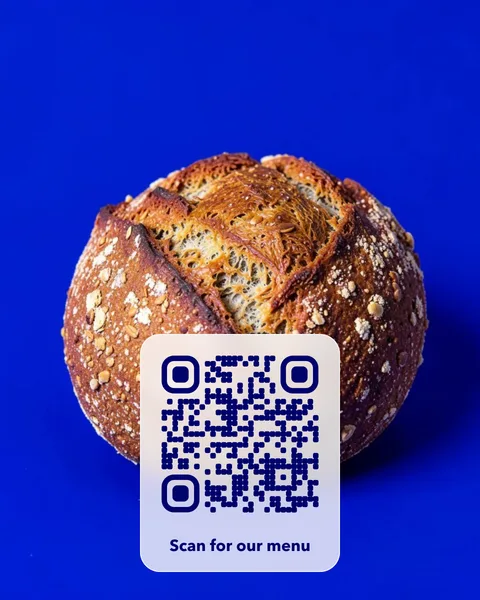 Sourdough
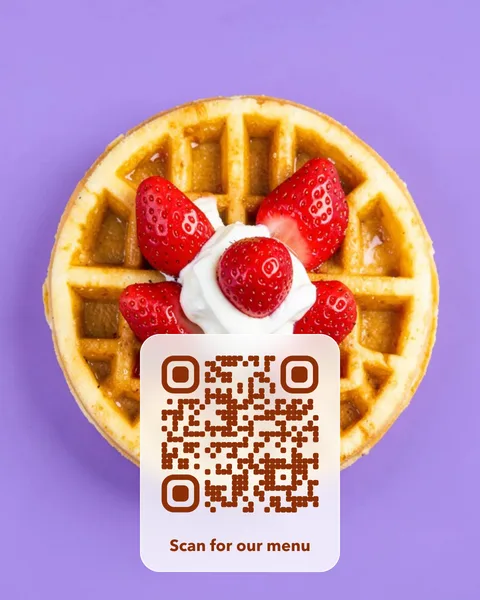 Waffles
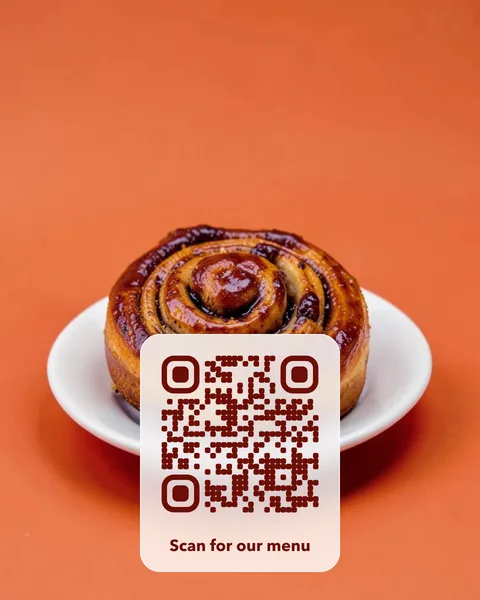 Cinnamon roll
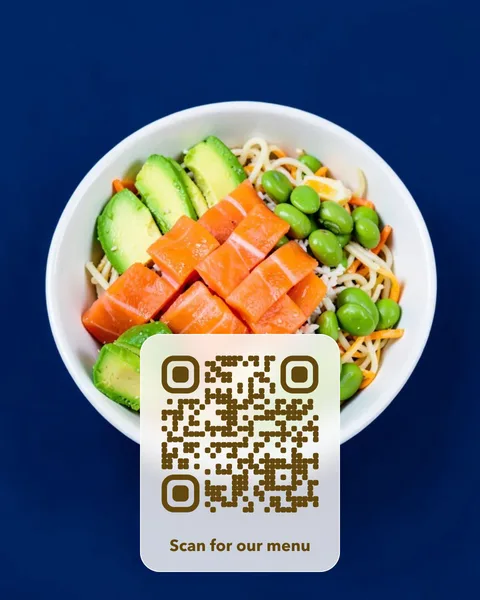 Poke bowl
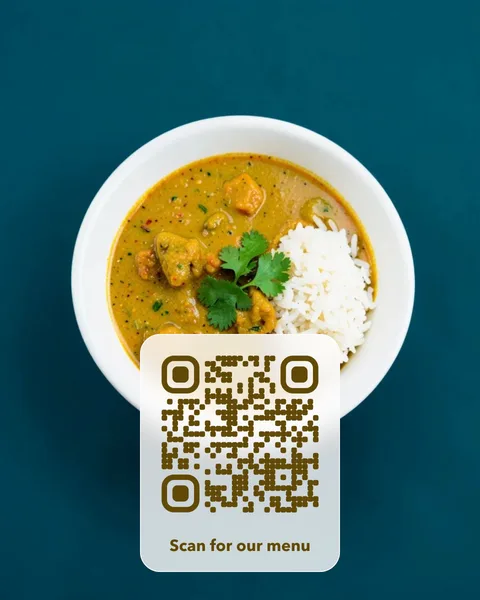 Curry
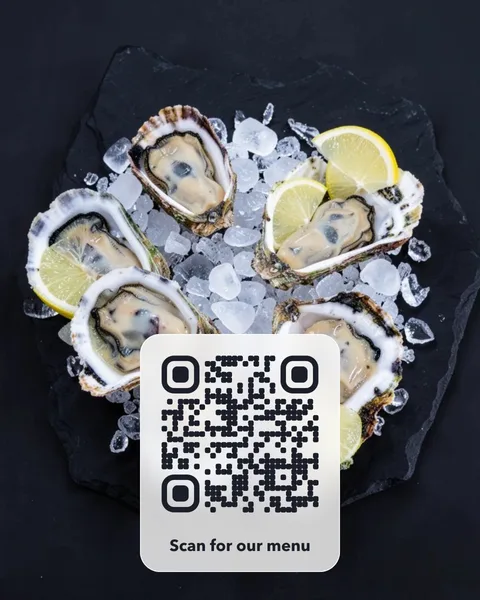 Oysters
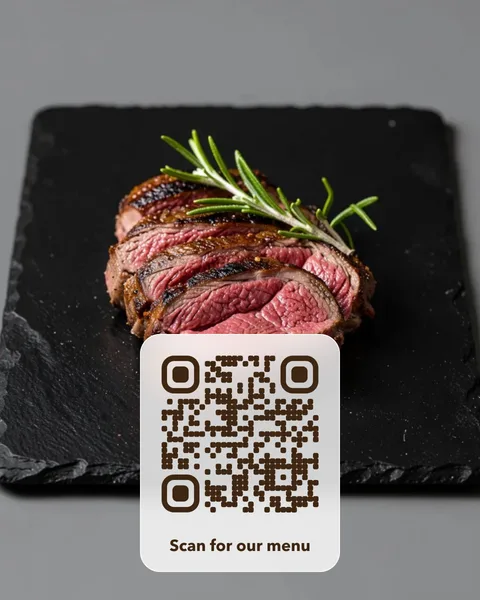 Steak
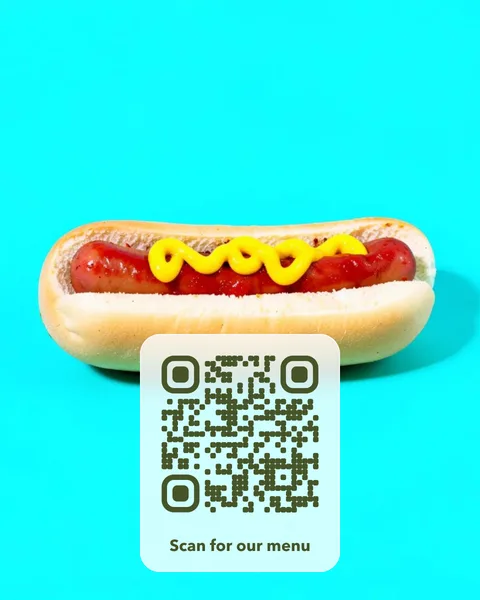 Hot dog
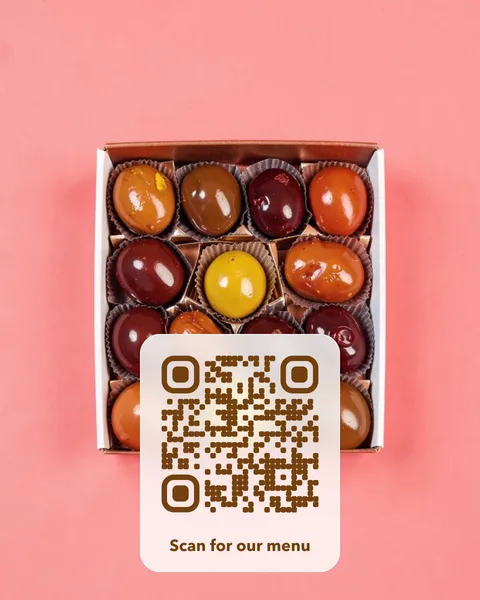 Chocolates
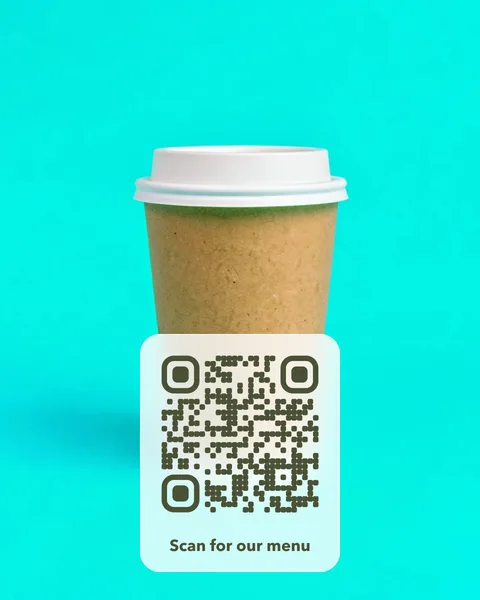 Coffee to go
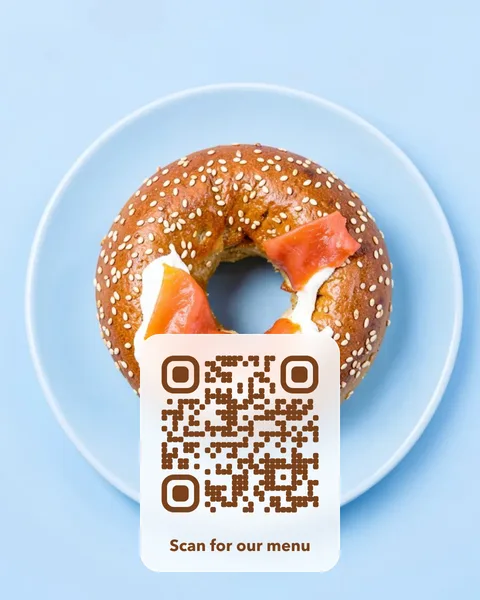 Bagel
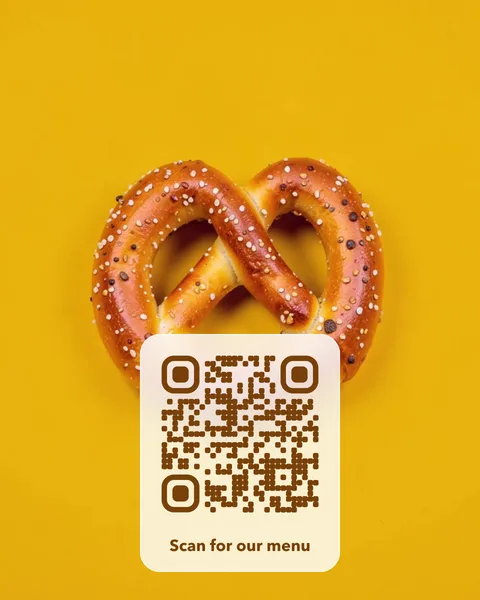 Pretzel
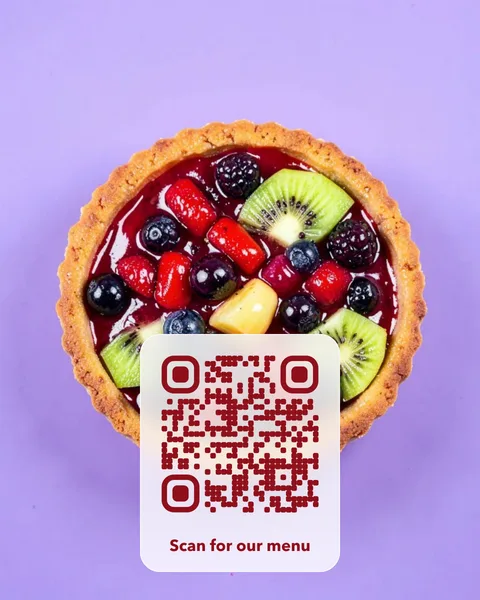 Fruit tart
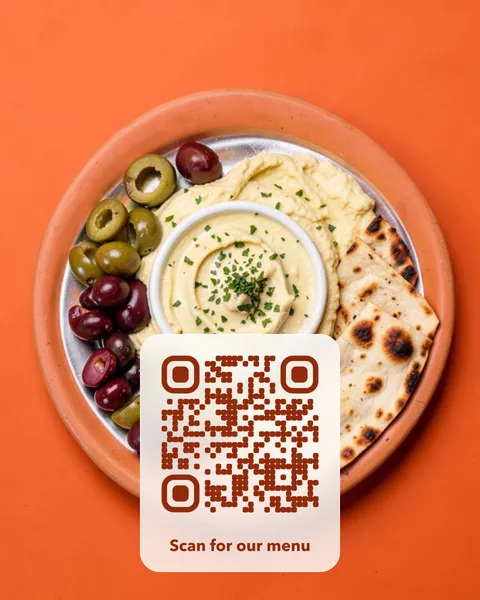 Mezze
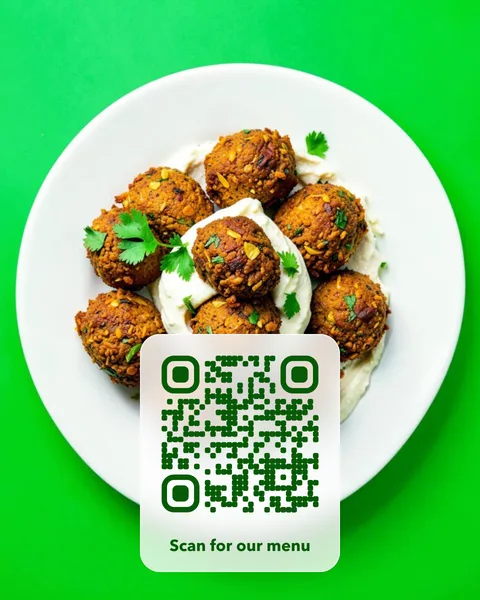 Falafel wrap
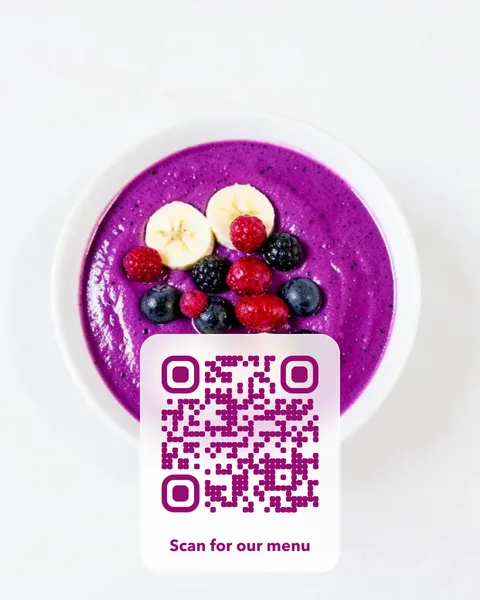 Smoothie bowl
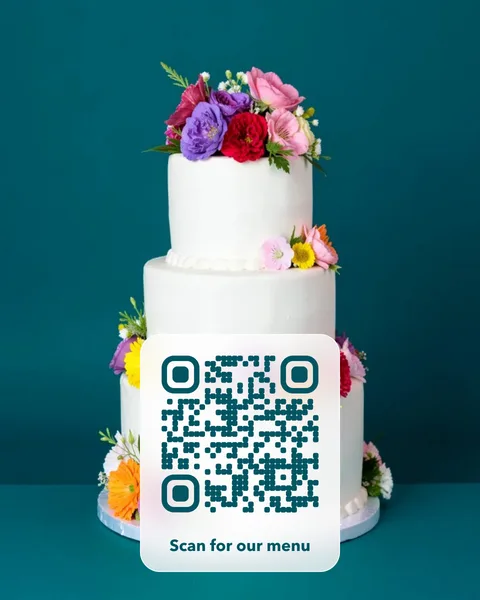 Cake shop
Where to put it
- Table cards that open today’s menu, so you change the link instead of reprinting when prices move.
- A window sticker that opens your opening hours or delivery page.
- A card by the till for Google reviews or a loyalty sign-up.
- Bar and wine lists, where the drinks change with the season.
Pay once. No subscription, no fixed expiry date.
A photo QR card costs $14 once. There is no subscription and no fixed expiry date, so the cards you print keep working. Change the page the code opens whenever you like, from your account. You get print-ready PDFs for an A6 table card and a 70 mm round sticker, plus SVG and PNG files. Like every editable code, the redirect depends on VividQR continuing to operate; the service terms explain this.
Questions
Can I use a photo of my own dish instead?
Yes. Upload any photo from your phone in the photo QR studio, crop it, and the code is placed on a card over it. The card is checked with a scanner before you can buy it.
My menu is a PDF. Will that work?
Yes. The code can open any public web address, including a PDF menu, an online ordering page or a page on your website. When the menu changes, upload the new file and change the link; the printed cards stay the same.