QR codes on photos for property and the home.
A code on a For Sale board or in a window display opens the listing, the floor plan or a viewing form. When the property sells, point the same printed code at the next listing.
Pick a photo to start
Each card opens in the studio, where you change the words, the style and the link. Every photo is checked to scan before it’s offered.
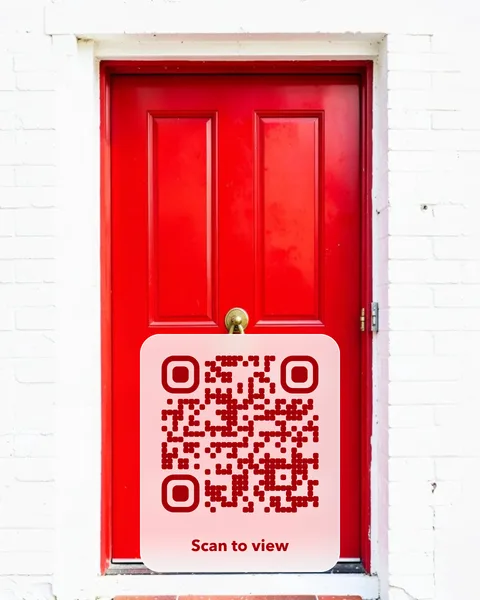
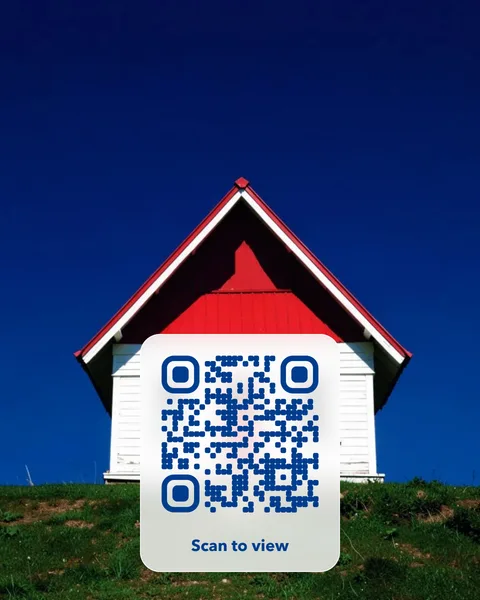
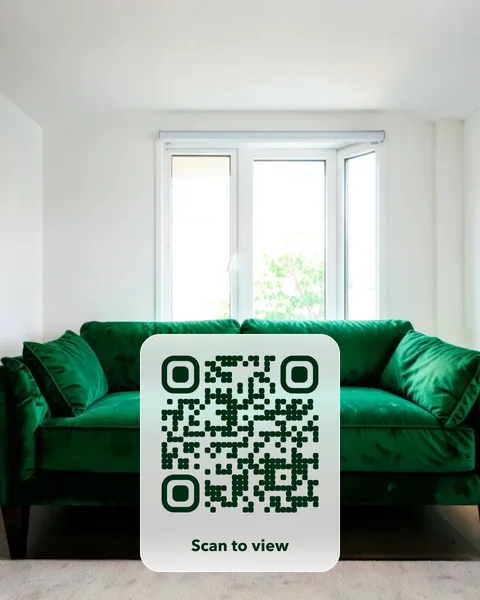
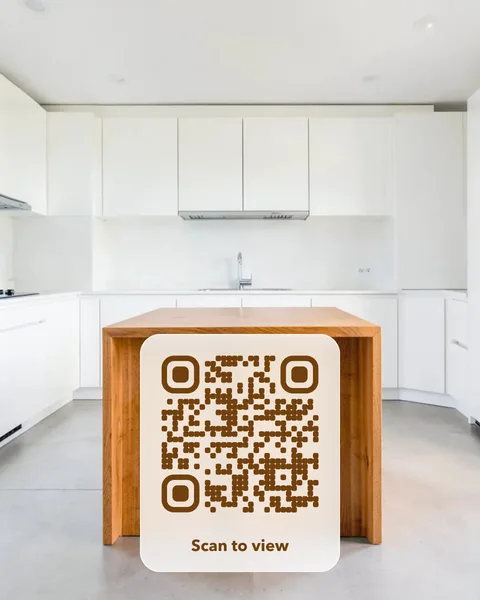
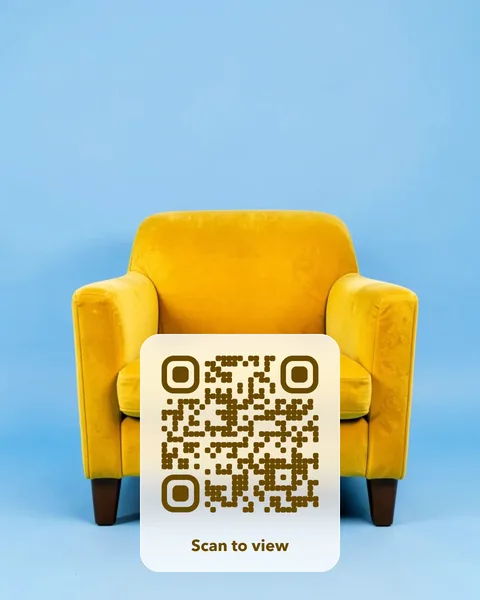
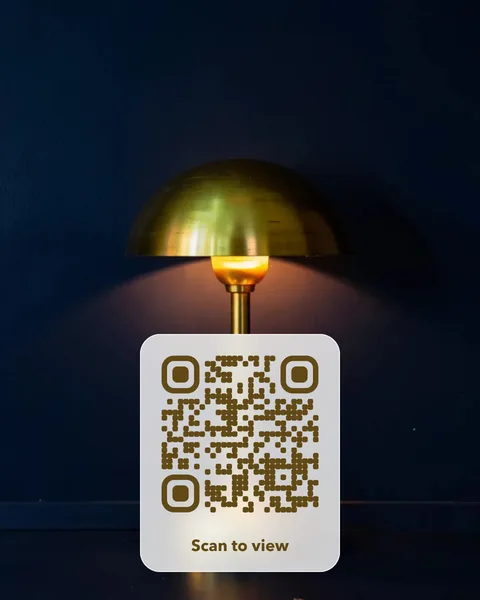
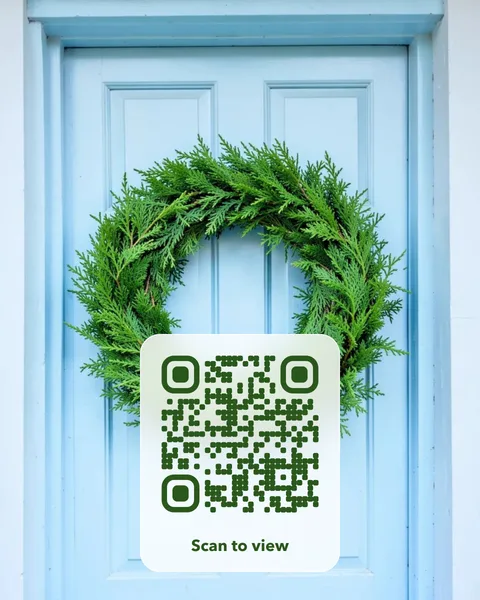
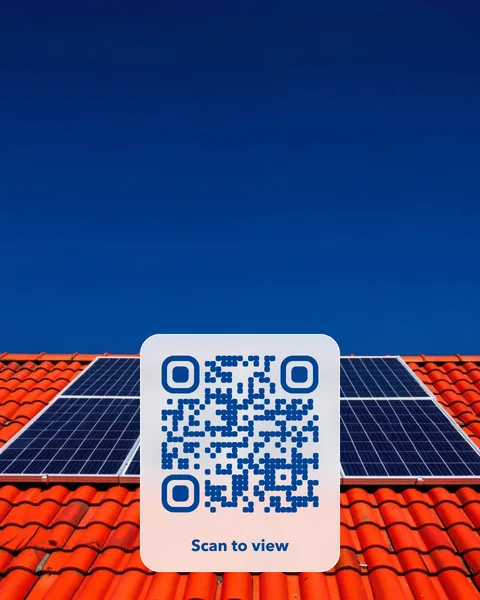
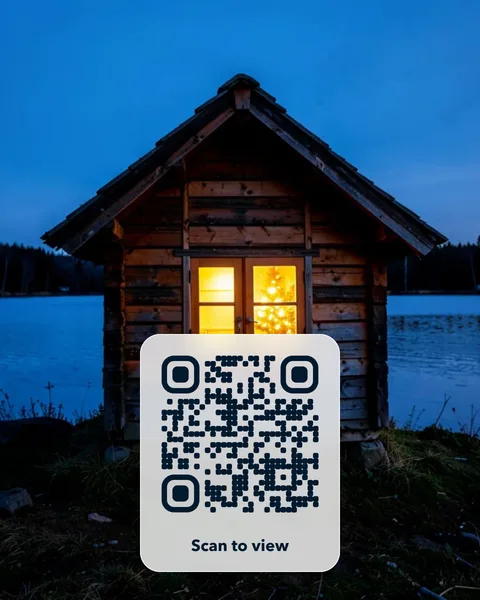
Where to put it
- For Sale and To Let boards that open the current listing.
- A welcome card in a rental that opens the house manual.
- A showroom card for furniture, kitchens or lighting that opens the catalogue.
- A leaflet for solar, gardening or interior design that opens a quote form.
Pay once. No subscription, no fixed expiry date.
A photo QR card costs $14 once. There is no subscription and no fixed expiry date, so the cards you print keep working. Change the page the code opens whenever you like, from your account. You get print-ready PDFs for an A6 table card and a 70 mm round sticker, plus SVG and PNG files. Like every editable code, the redirect depends on VividQR continuing to operate; the service terms explain this.
Questions
Can I reuse a code when a property sells?
Yes. Change the destination to the next listing and put the same board or card up again.
Will it open the page directly?
Yes. The scan goes straight to your page with no advert or sign-up page in between.