Booking QR codes on photos for salons, spas and studios.
Put a booking code on the mirror, the reception desk or the window. Clients scan it to book their next appointment, and if you change booking apps, you change the link instead of the cards.
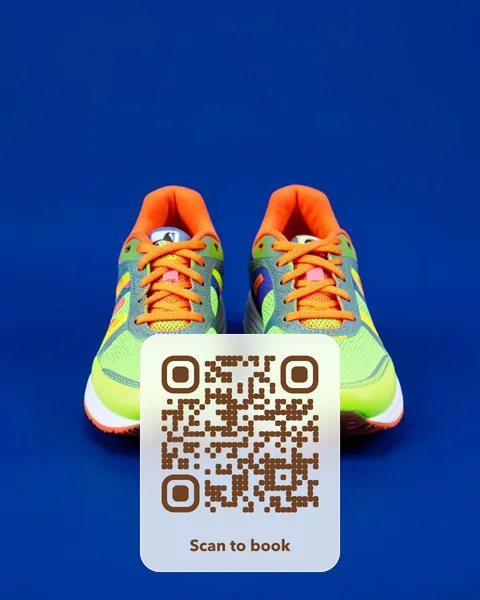
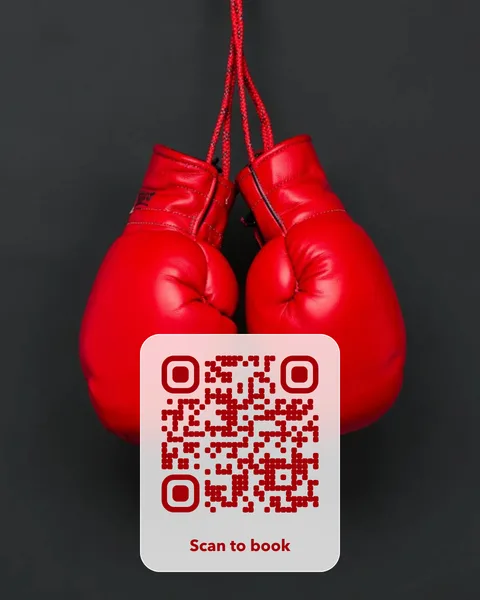
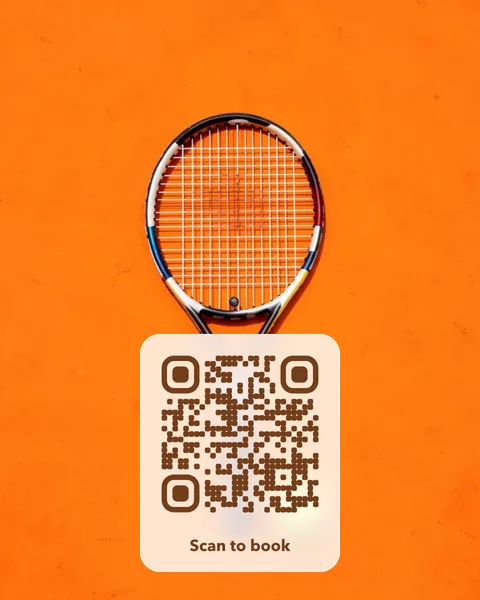
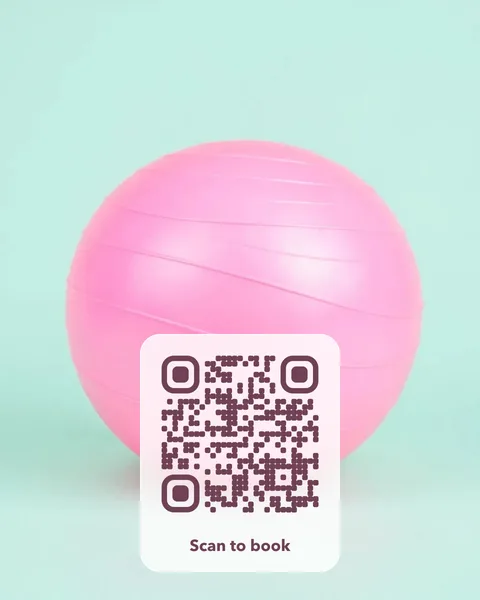
Pick a photo to start
Each card opens in the studio, where you change the words, the style and the link. Every photo is checked to scan before it’s offered.
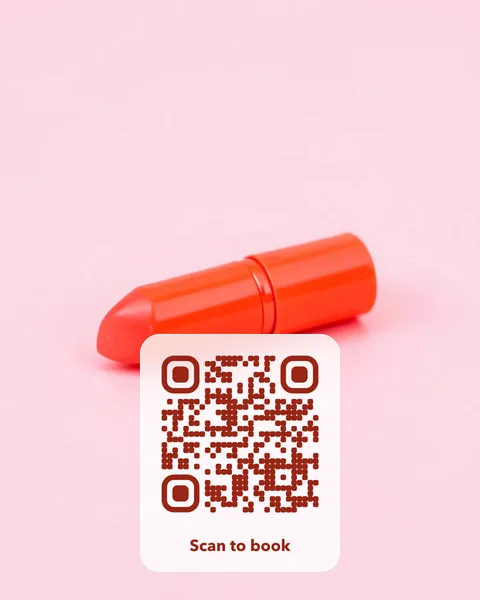
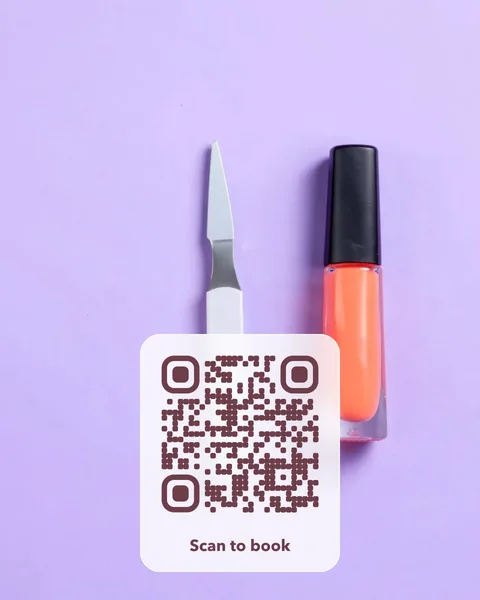
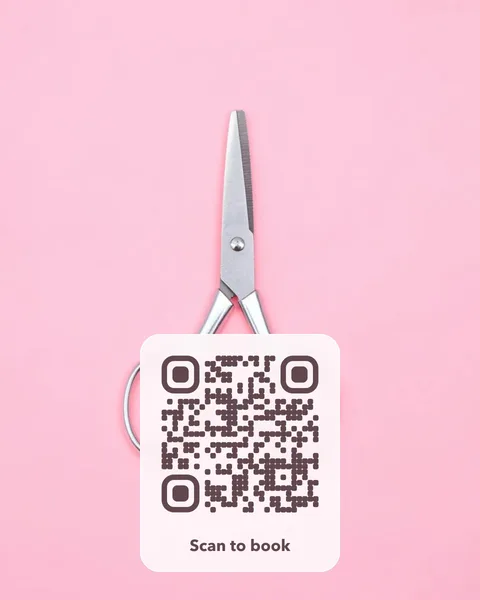
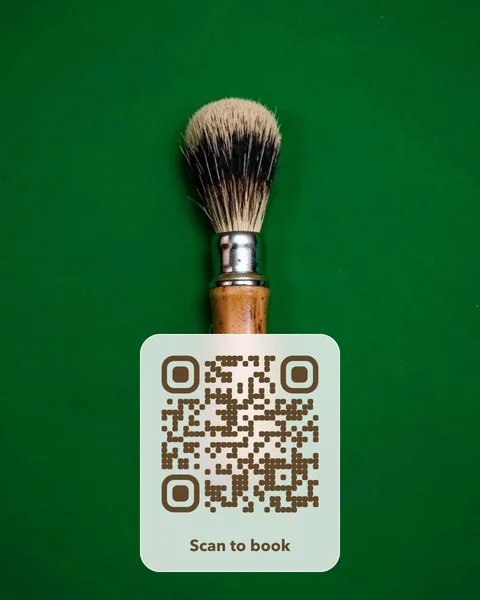
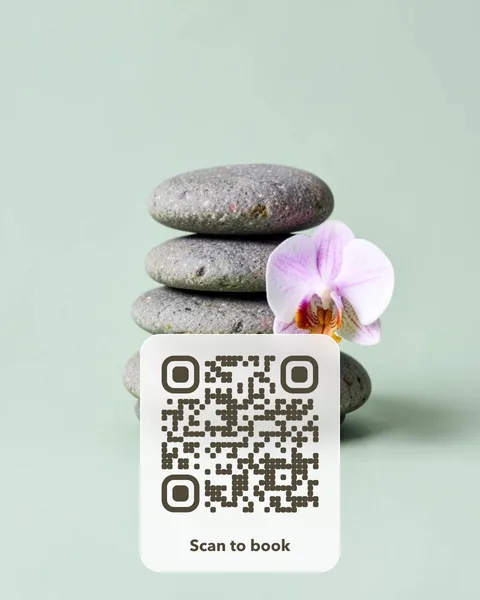
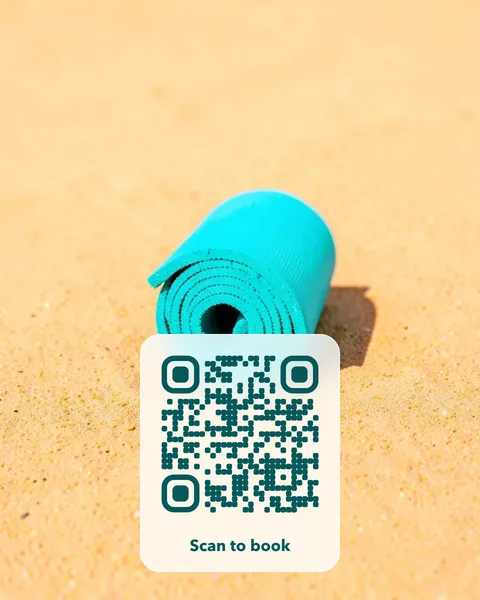
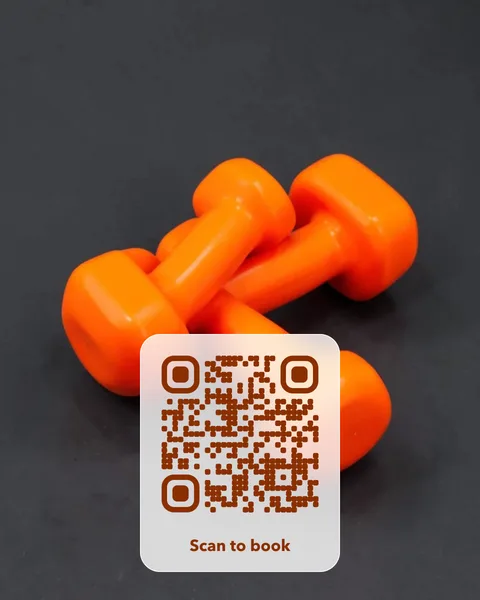
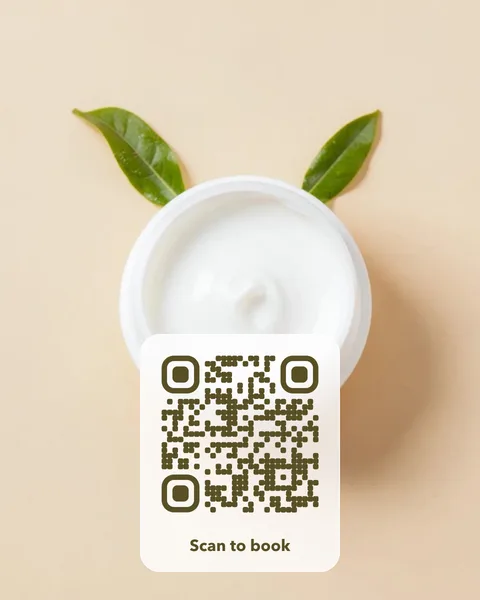
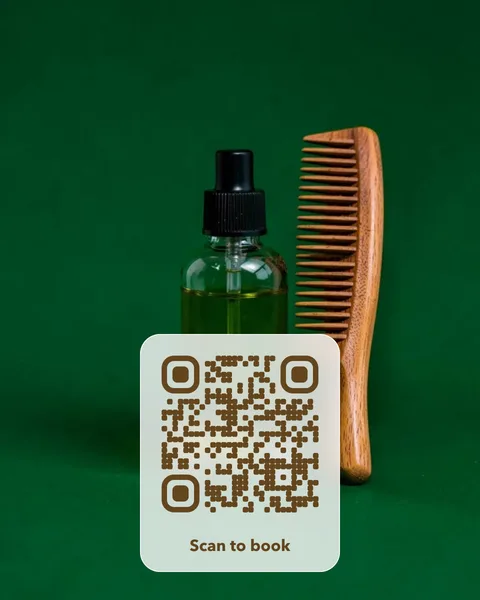
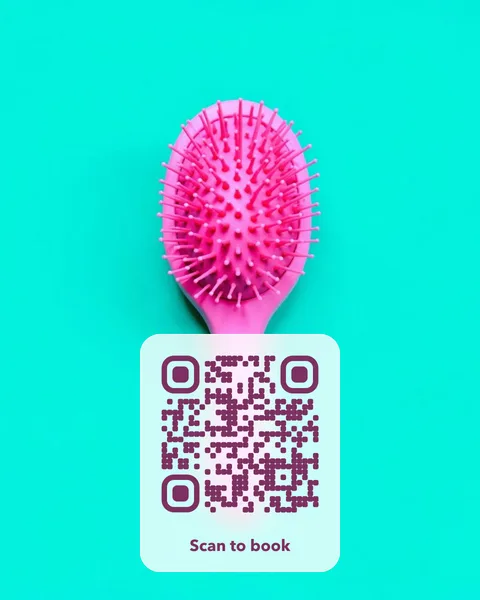
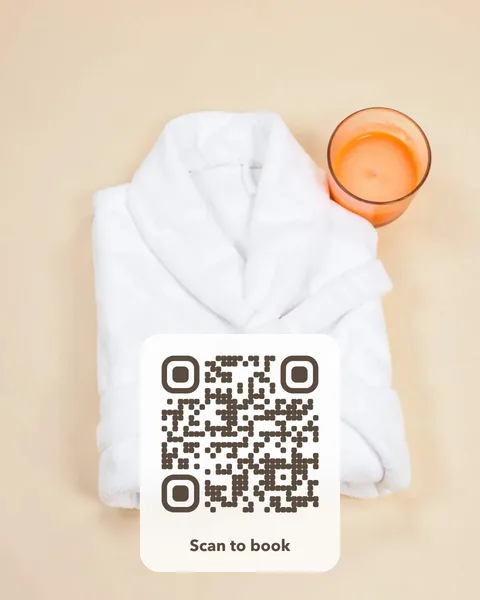
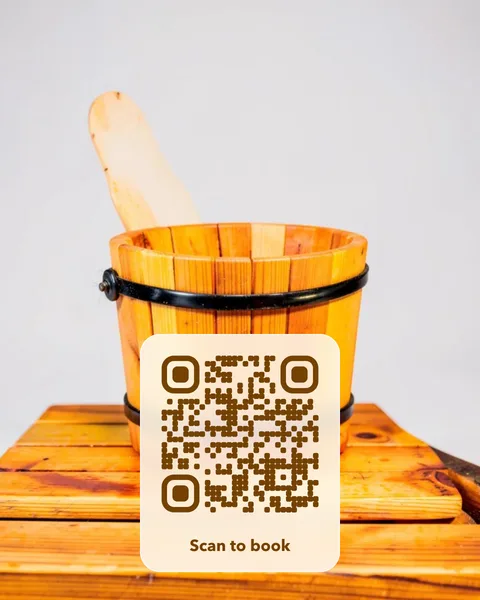
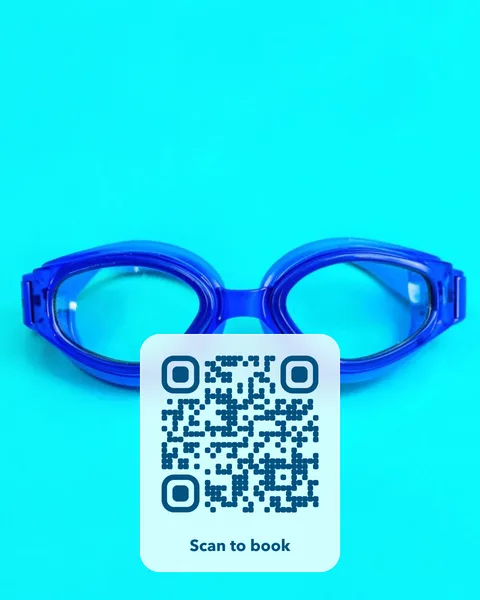
Where to put it
- A mirror or desk card that opens your booking page.
- A window sticker for walk-by clients after hours.
- A card in the aftercare bag that opens a review page or a product shop.
- Class timetables for gyms, yoga and pilates studios that change every term.
Pay once. No subscription, no fixed expiry date.
A photo QR card costs $14 once. There is no subscription and no fixed expiry date, so the cards you print keep working. Change the page the code opens whenever you like, from your account. You get print-ready PDFs for an A6 table card and a 70 mm round sticker, plus SVG and PNG files. Like every editable code, the redirect depends on VividQR continuing to operate; the service terms explain this.
Questions
Does it work with Fresha, Booksy, Treatwell or Square?
Yes. Paste your booking link from whichever app you use. The code opens that page directly, and you can point it at a different app later without reprinting.
Can I use a photo of my own work?
Yes. Upload a photo of a manicure, a haircut or your studio, crop it in the photo QR studio, and the code is placed on a card over it.