QR codes on photos for events and the seasons.
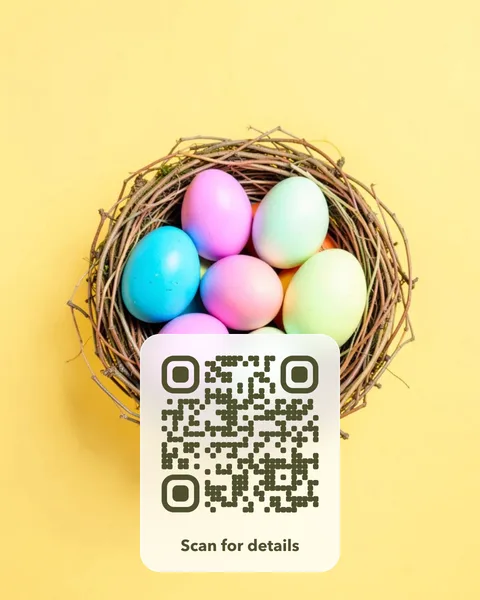
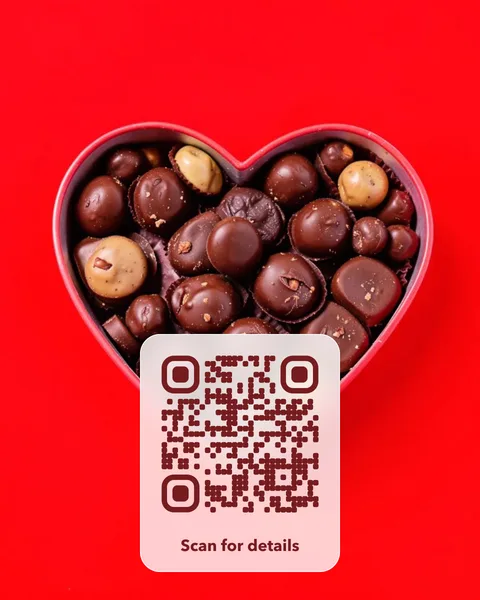
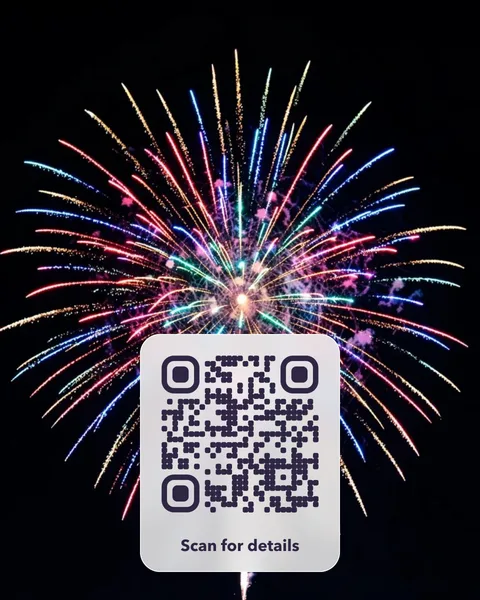
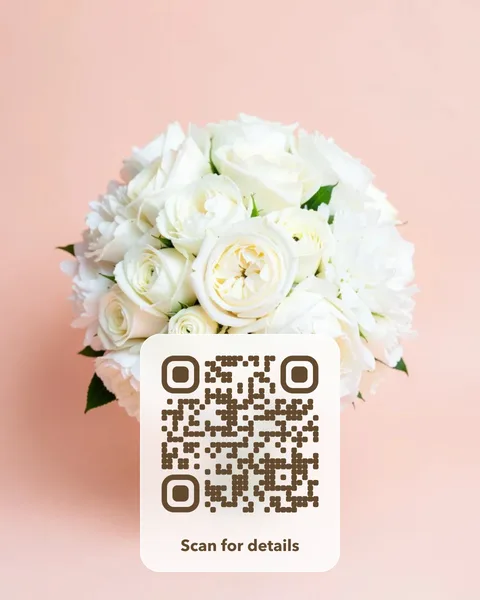
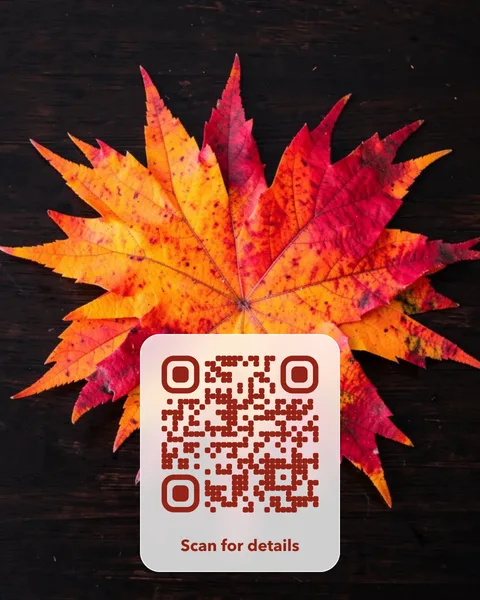
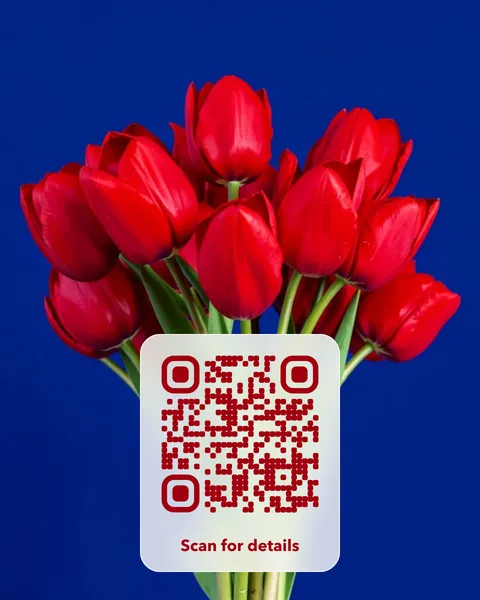
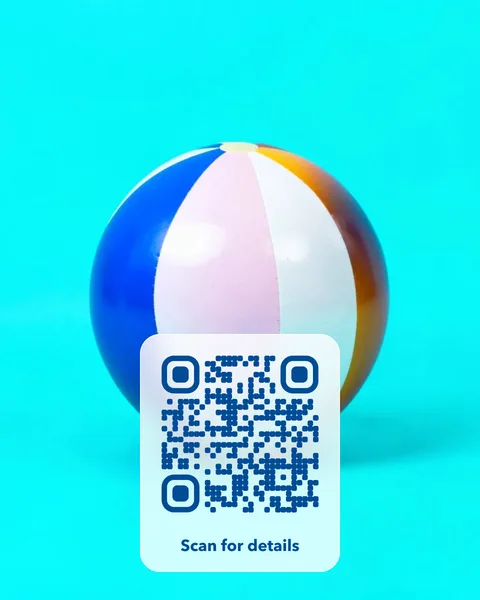
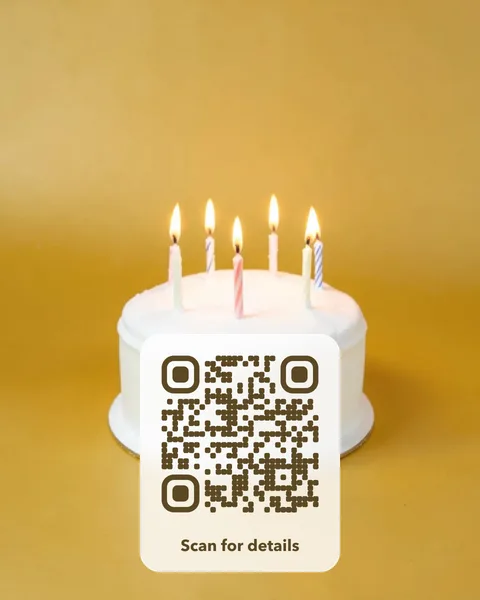
Use a seasonal photo for the Christmas menu, the summer opening hours or a party invitation. Because the link can change, one printed card can open the Halloween offer in October and the Christmas menu in December.
Pick a photo to start
Each card opens in the studio, where you change the words, the style and the link. Every photo is checked to scan before it’s offered.



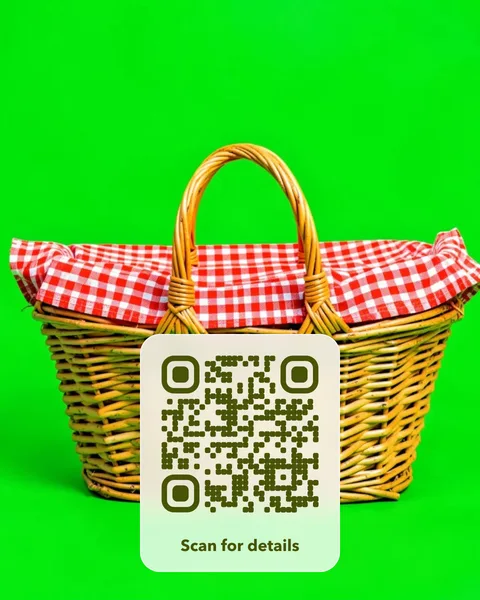
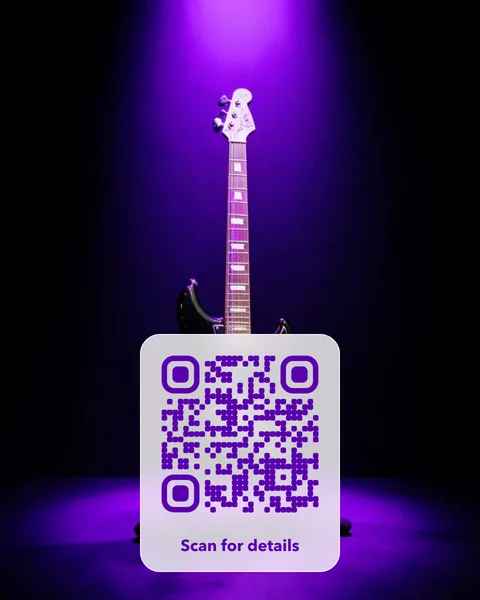
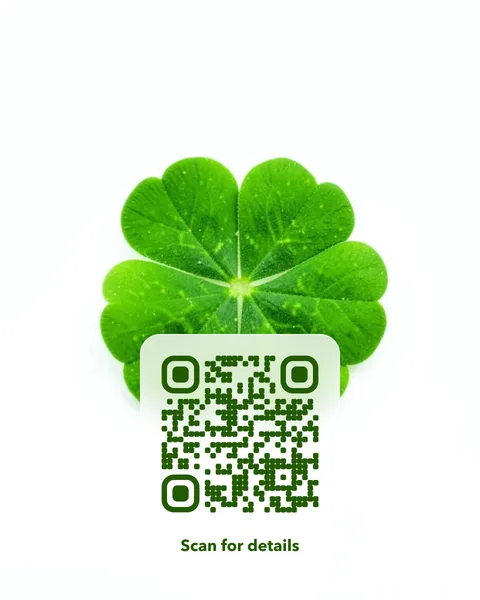
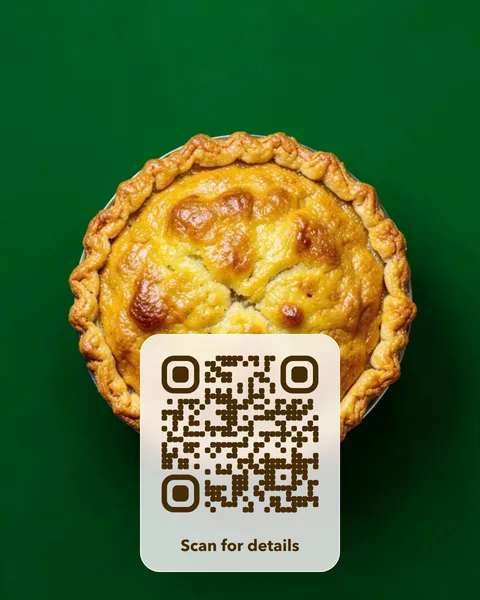
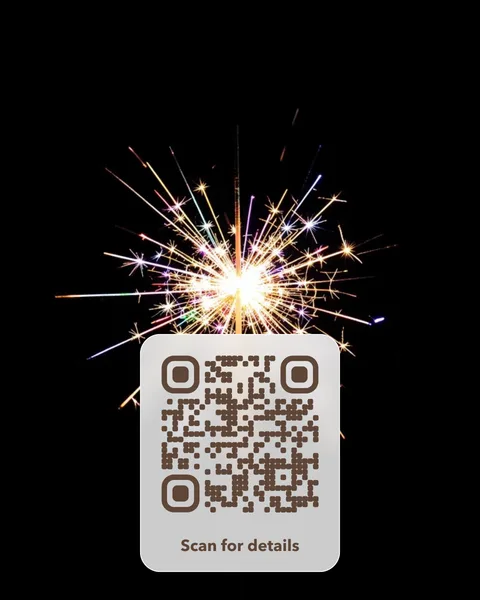
Where to put it
- Wedding and party cards that open the RSVP form, the photo album or the gift list.
- Seasonal menus and offers that you swap without reprinting.
- Event posters that open the tickets page, then the photos afterwards.
- Gift tags that open a personal video or message.
Pay once. No subscription, no fixed expiry date.
A photo QR card costs $14 once. There is no subscription and no fixed expiry date, so the cards you print keep working. Change the page the code opens whenever you like, from your account. You get print-ready PDFs for an A6 table card and a 70 mm round sticker, plus SVG and PNG files. Like every editable code, the redirect depends on VividQR continuing to operate; the service terms explain this.
Questions
Can the same code open a different page after the event?
Yes. Point it at the RSVP form before the day and the photo album afterwards. The printed card doesn’t change.
Is it worth paying for a one-off event?
If the link will never change, a free static code is enough. An editable code is worth it when you want to change the page later, such as switching from tickets to photos.